40% OFF ⑊⑊⑊ APROVEITE ⑊⑊⑊ 40% OFF ⑊⑊⑊ APROVEITE ⑊⑊⑊ 40% OFF ⑊⑊⑊ APROVEITE ⑊⑊⑊ 40% OFF ⑊⑊⑊ APROVEITE ⑊⑊⑊ 40% OFF ⑊⑊⑊ APROVEITE ⑊⑊⑊ 40% OFF ⑊⑊⑊ APROVEITE ⑊⑊⑊ 40% OFF ⑊⑊⑊ APROVEITE ⑊⑊⑊ 40% OFF ⑊⑊⑊ APROVEITE ⑊⑊⑊ 40% OFF ⑊⑊⑊ APROVEITE ⑊⑊⑊ 40% OFF ⑊⑊⑊ APROVEITE ⑊⑊⑊ 40% OFF ⑊⑊⑊ APROVEITE ⑊⑊⑊ 40% OFF ⑊⑊⑊ APROVEITE ⑊⑊⑊ 40% OFF ⑊⑊⑊ APROVEITE ⑊⑊⑊ 40% OFF ⑊⑊⑊ APROVEITE ⑊⑊⑊ 40% OFF ⑊⑊⑊ APROVEITE ⑊⑊⑊ 40% OFF ⑊⑊⑊ APROVEITE ⑊⑊⑊
40% OFF ⑊⑊⑊ APROVEITE ⑊⑊⑊ 40% OFF ⑊⑊⑊ APROVEITE ⑊⑊⑊ 40% OFF ⑊⑊⑊ APROVEITE ⑊⑊⑊ 40% OFF ⑊⑊⑊ APROVEITE ⑊⑊⑊ 40% OFF ⑊⑊⑊ APROVEITE ⑊⑊⑊ 40% OFF ⑊⑊⑊ APROVEITE ⑊⑊⑊ 40% OFF ⑊⑊⑊ APROVEITE ⑊⑊⑊ 40% OFF ⑊⑊⑊ APROVEITE ⑊⑊⑊ 40% OFF ⑊⑊⑊ APROVEITE ⑊⑊⑊ 40% OFF ⑊⑊⑊ APROVEITE ⑊⑊⑊ 40% OFF ⑊⑊⑊ APROVEITE ⑊⑊⑊ 40% OFF ⑊⑊⑊ APROVEITE ⑊⑊⑊ 40% OFF ⑊⑊⑊ APROVEITE ⑊⑊⑊ 40% OFF ⑊⑊⑊ APROVEITE ⑊⑊⑊
PROFESSIONAL POST-PRODUCTION:
FROM BASIC TO ADVANCED LEVEL
Master techniques developed from daily work on complex architectural projects that will help you transform your work into works of art
- 40% OFF
100% SECURE PURCHASE
Purchase with confidence! You’re protected by our 15 day money back guarantee. If you’re not happy, we’ll refund you. No questions asked. Join today!

ABOUT THE COURSE
Elevate your images to a professional level with a course that introduces the best post-production techniques. Learn to apply photo manipulation techniques and develop an international-standard aesthetic—the key differentiator of top Archviz studios. Designed for those who already know the basics of Photoshop, this course tackles the real-world scenarios and challenges of daily production, empowering you to deliver outstanding results.
Matte Painting
Learn advanced image manipulation techniques to boost your productivity and quality. We provide all editable resources for you to study.
Real Application
All projects in the course are based on real-world projects. The techniques covered are used daily in the professional market.
People Integration
See the best techniques and concepts for inserting people, covering a variety of spaces and atmospheres.
Student Resources
We provide all the resources used in the lessons in an editable format, in addition to other assets for practice.
Practical Methodology
A guided course with practical, objective, and non-destructive lessons, aligned with the workflow of major studios.
WHAT WILL WE LEARN IN THE COURSE?
Join us and take your post-production to new horizons. Whether you are an experienced Photoshop artist or just starting out, our course will provide a solid foundation for you to achieve professional-level post-production skills.
1. Introduction to Post-Production
- 0h00min
2. Post-Production Fundamentals
- 0h00min
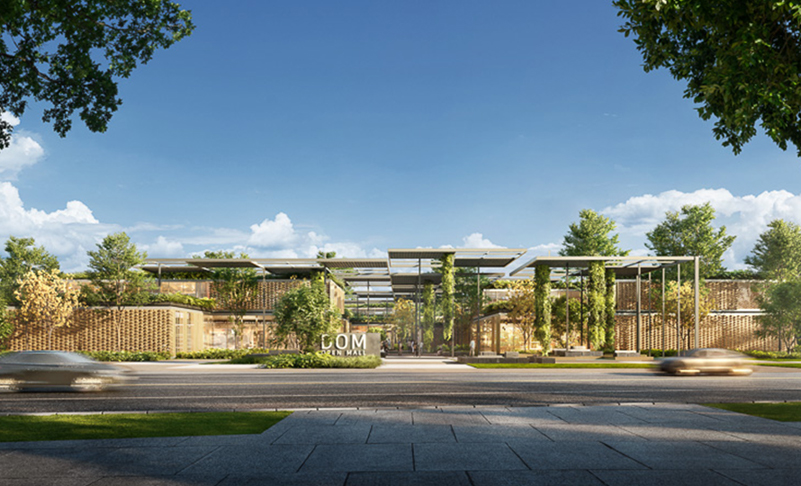
3. Basic Exterior Scenes (Mall Front)
- 0h00min
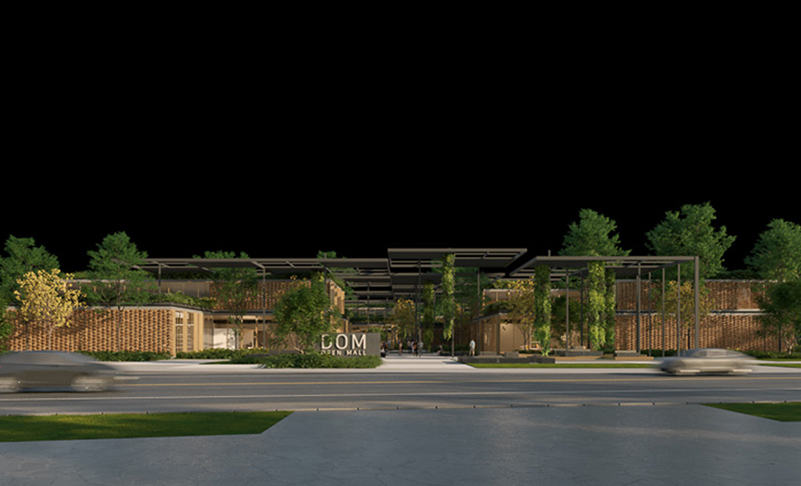
4. Basic Exterior Scenes (Blue Hour)
- 0h00min
5. Basic Exterior Scenes (Blue Hour - People Integration)
- 0h00min
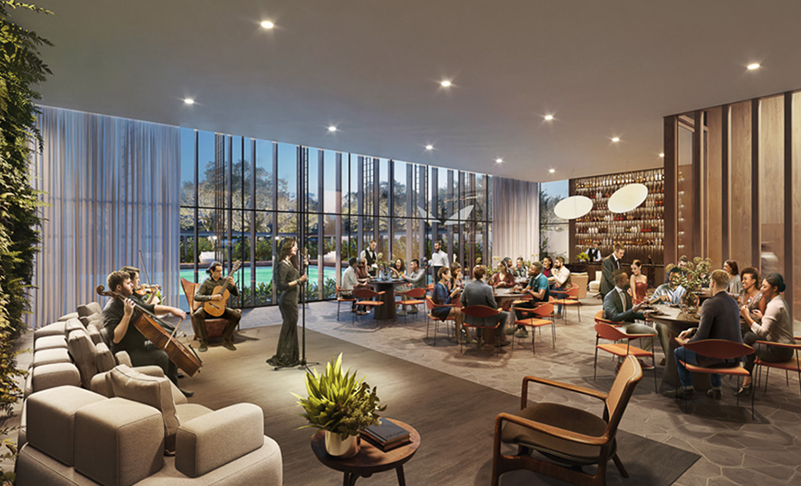
6. Interior Scenes (Sunset)
- 0h00min
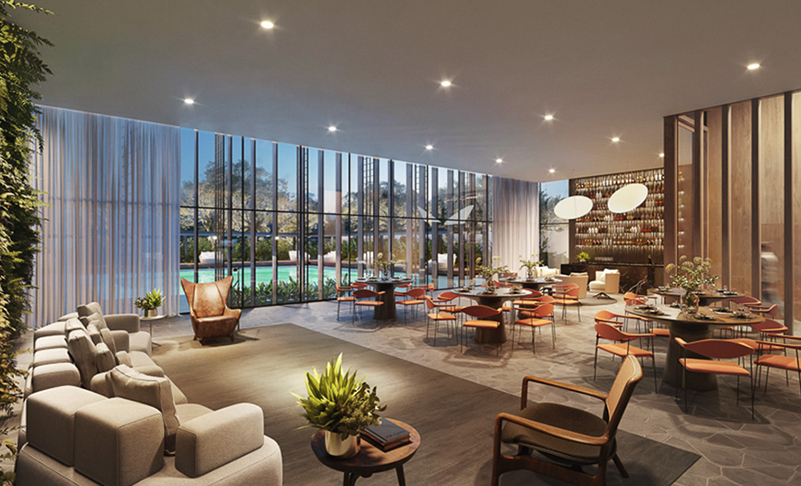
11. Interior Scenes (Night)
- 0h00min
12. Interior Scenes (Overcast)
- 0h00min
13. Introduction to Image Manipulation (Matte Painting)
- 0h00min
14. Night Scene
- 0h00min
15. Afternoon Scene
- 0h00min
16. Daylight Scene
- 0h00min
17. People Integration
- 0h00min
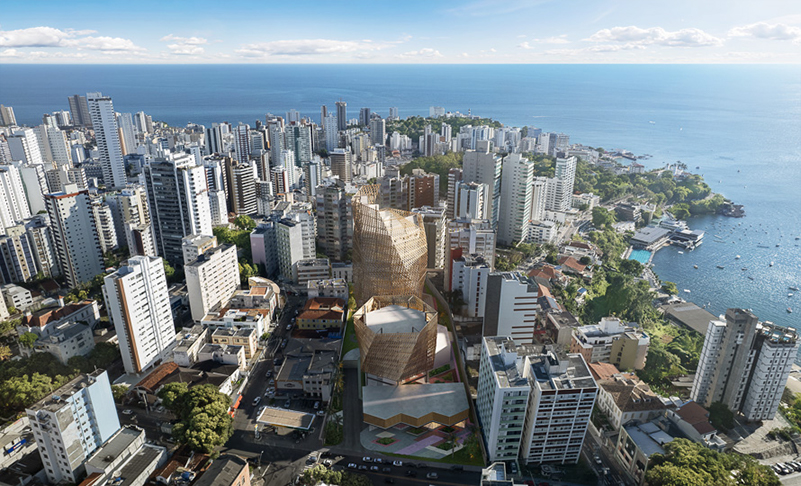
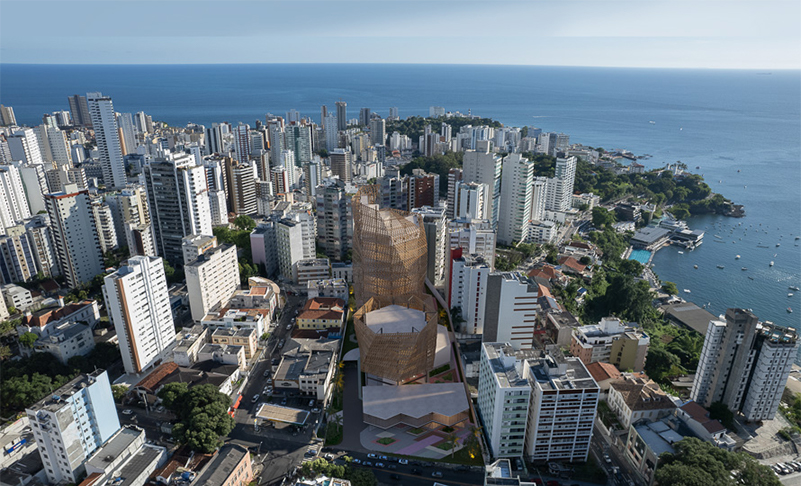
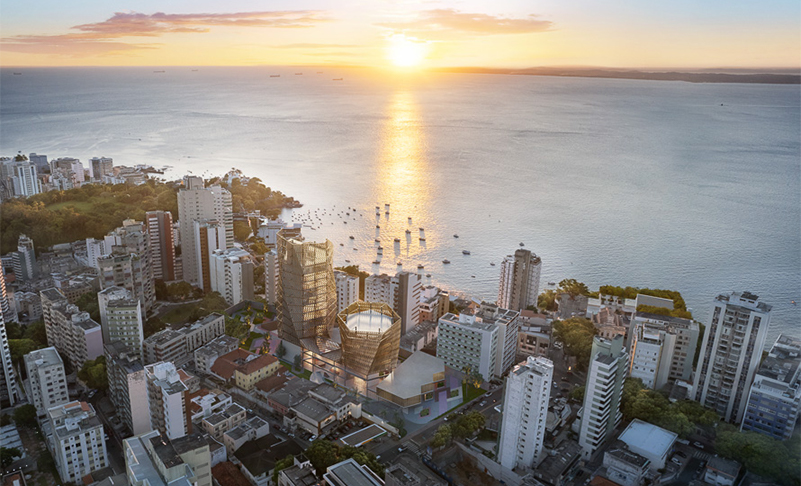
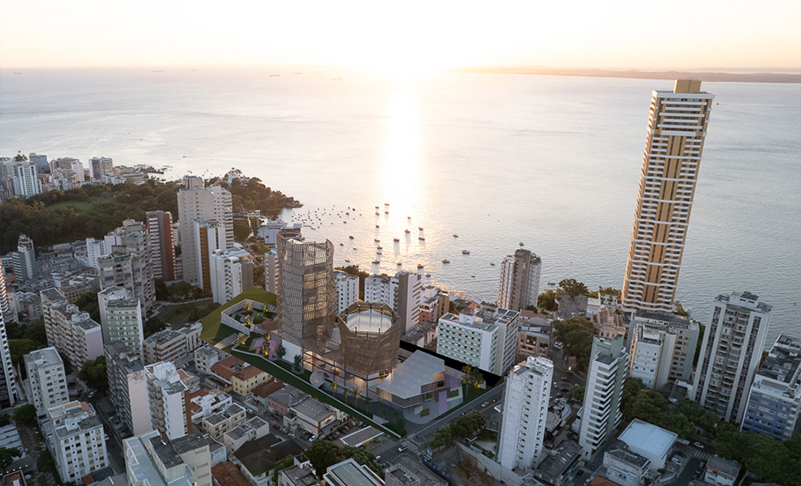
18. Aerial Images and Photomontages
- 7h15min
- In this module, we will explore the fusion of photography and 3D rendering. We will provide tips on the seamless integration between 3D and photographic elements, learn Photoshop manipulation techniques to enhance element integration, and discover how to apply a unique aesthetic to the final results.
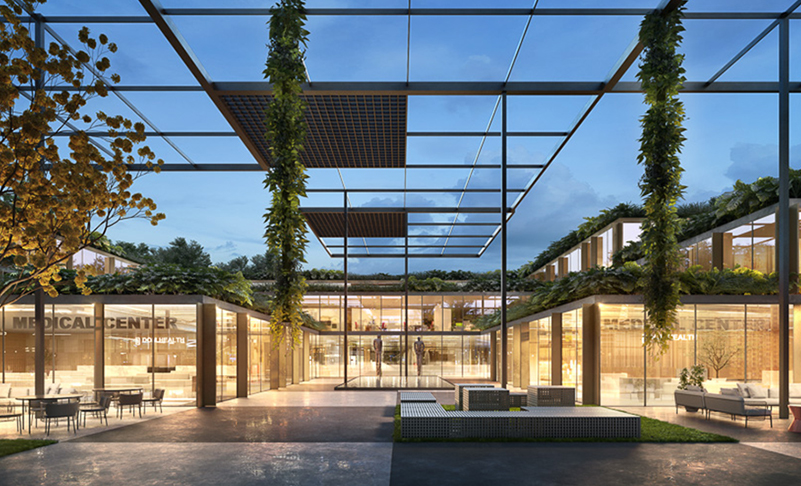
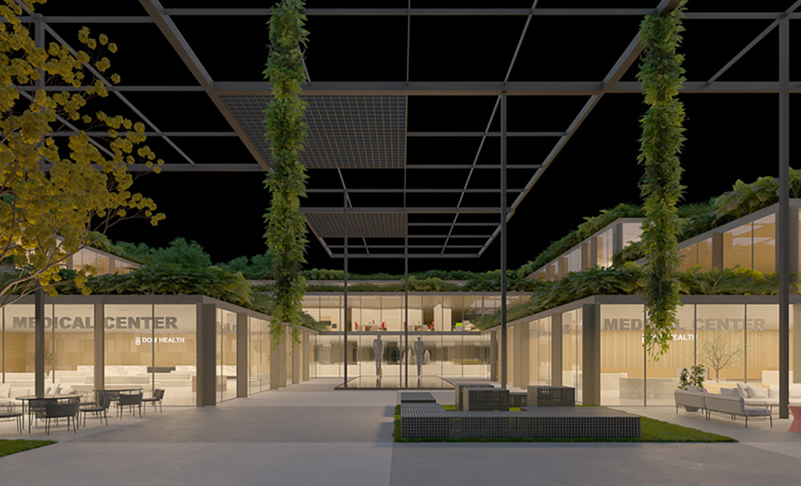
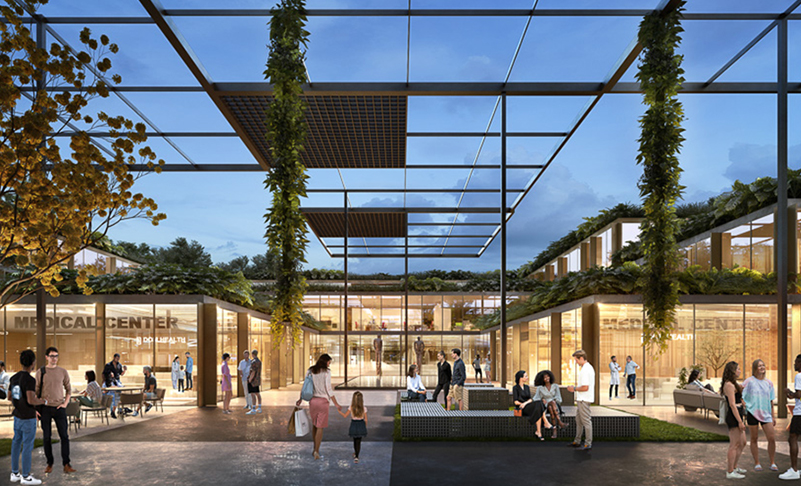
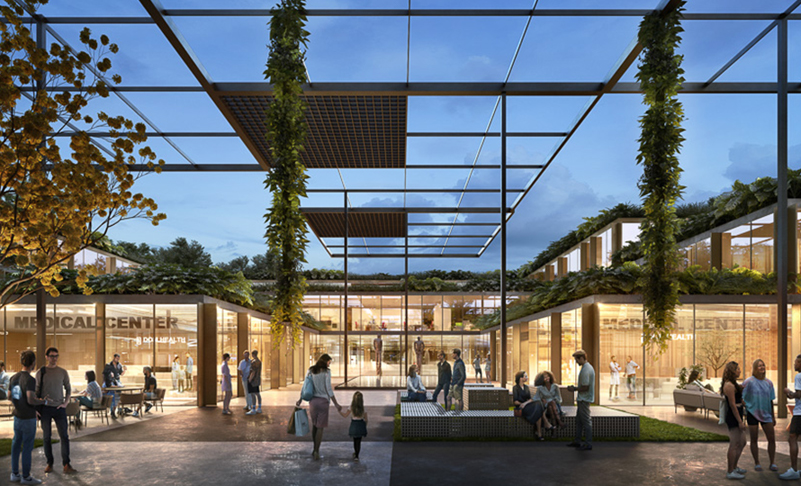
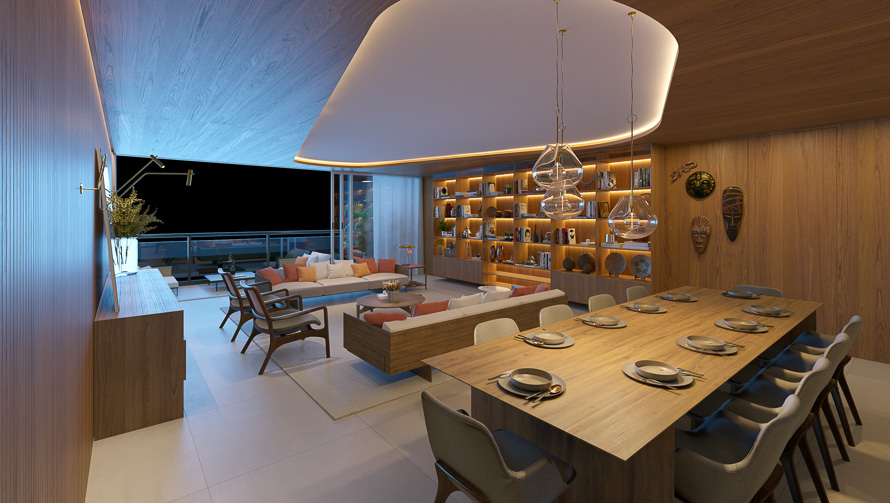
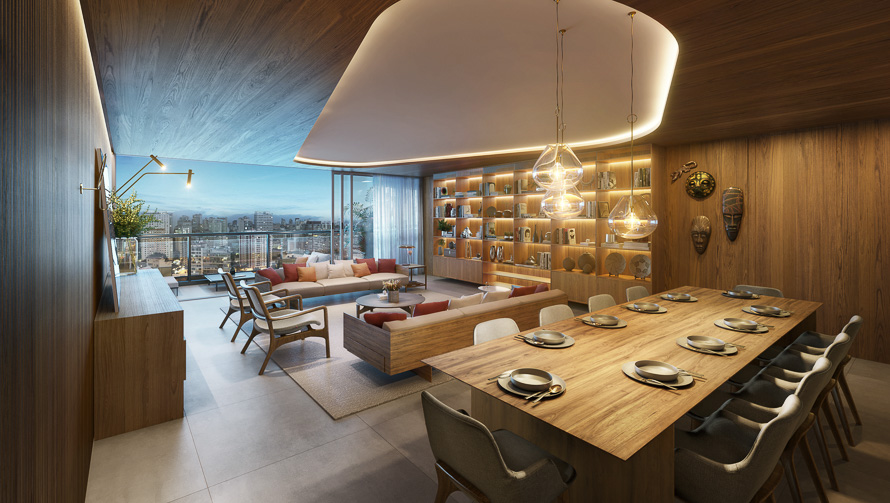
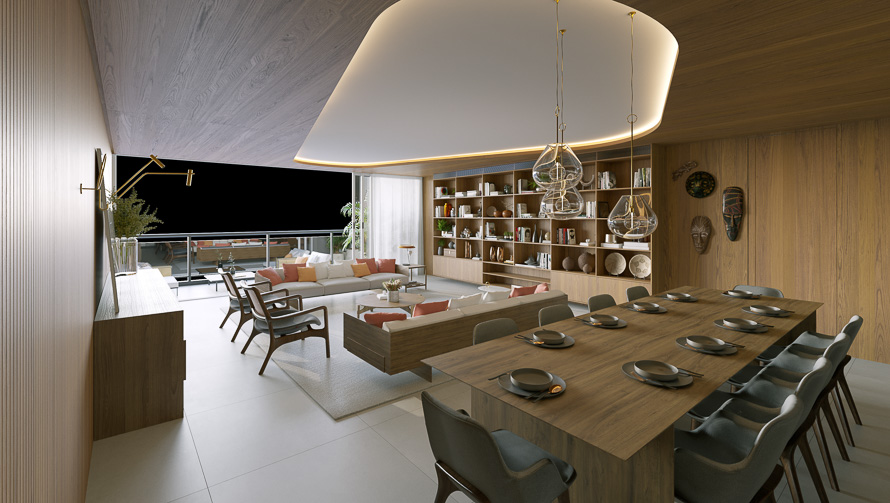
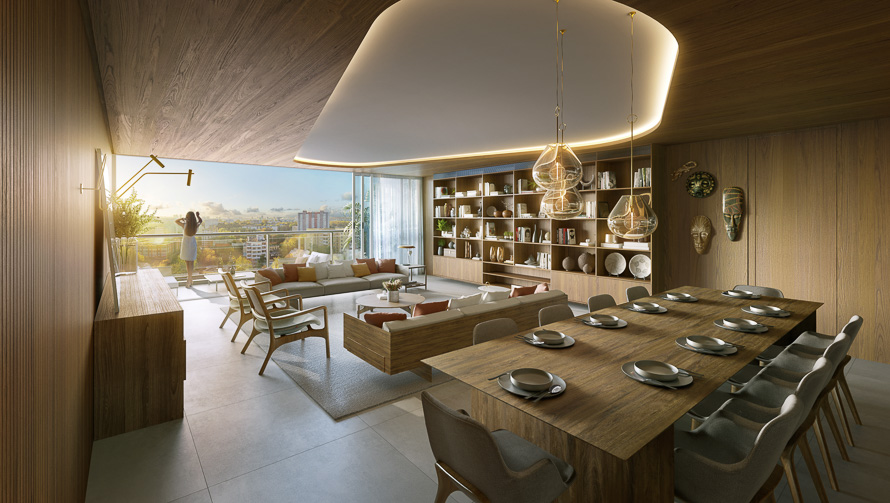
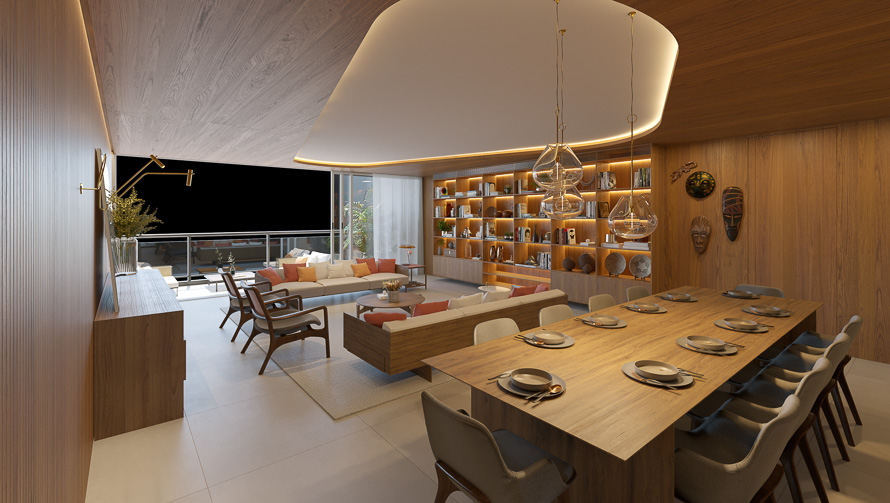
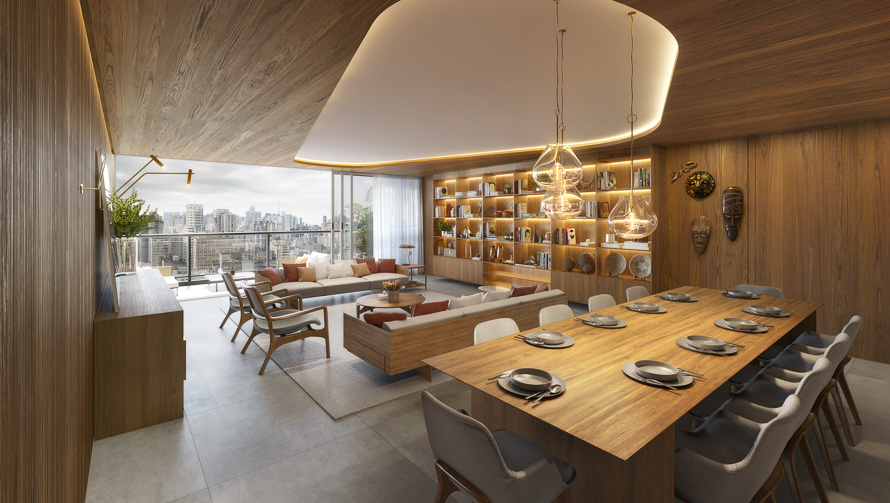
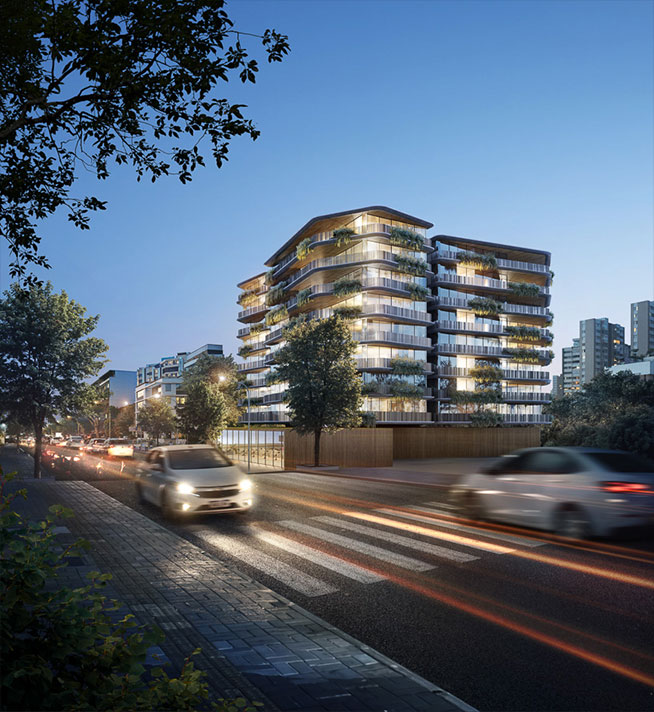
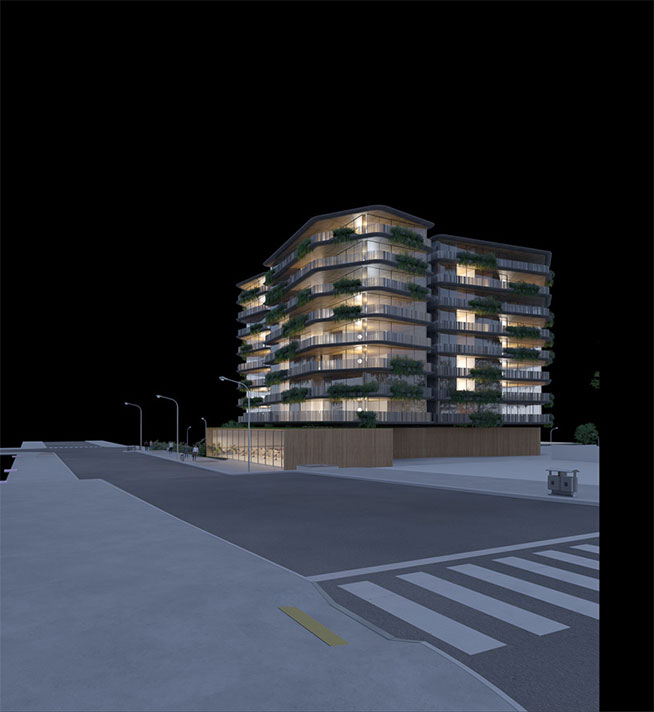
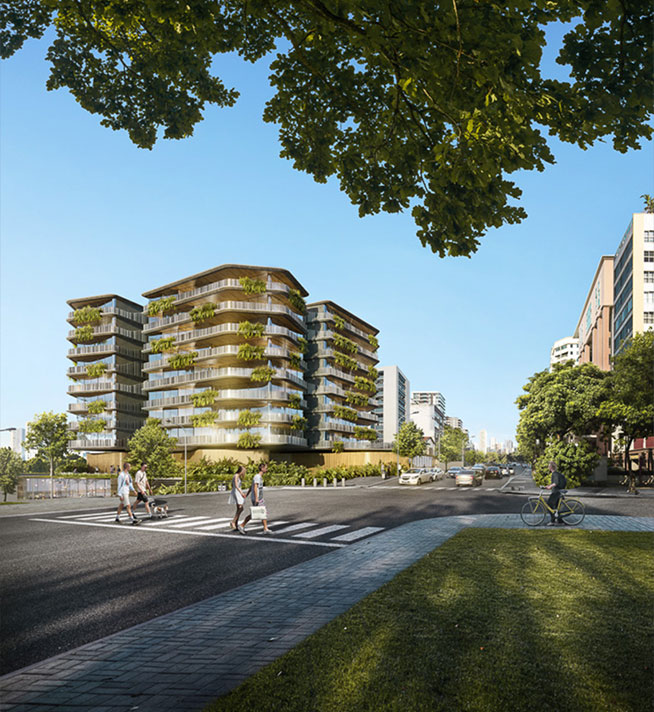
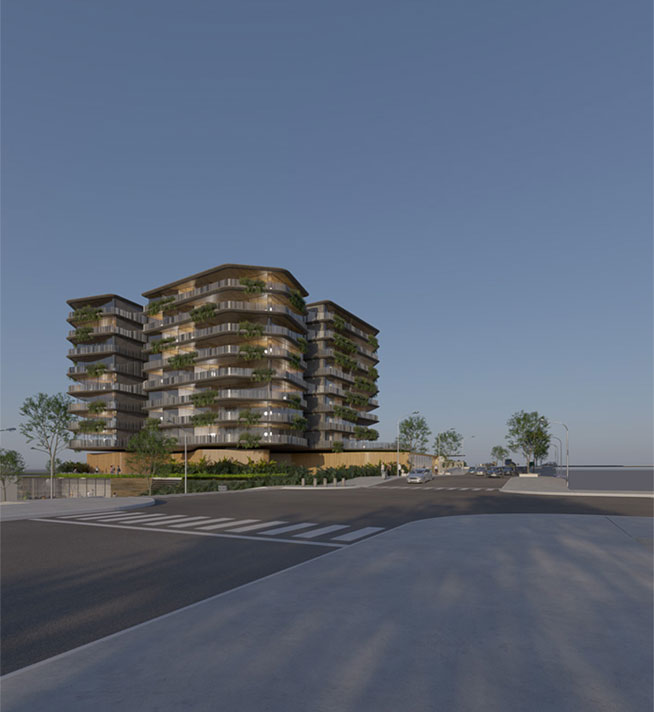
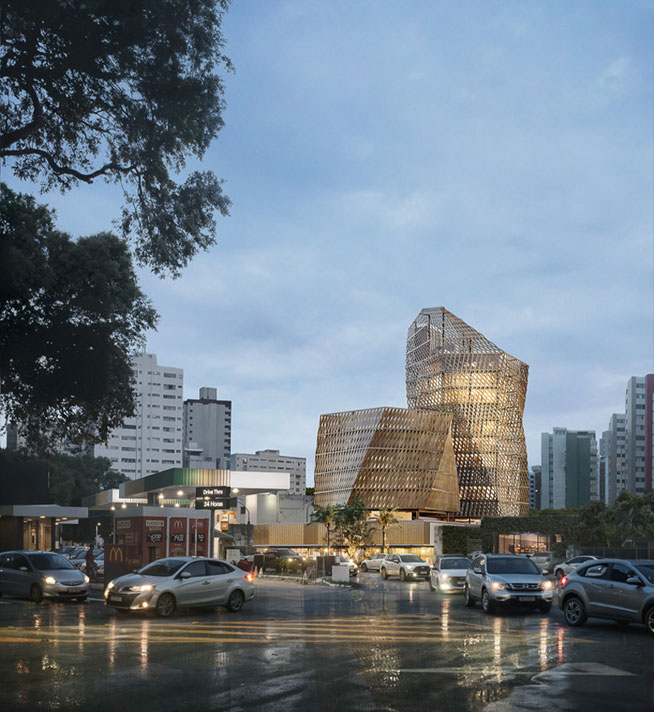
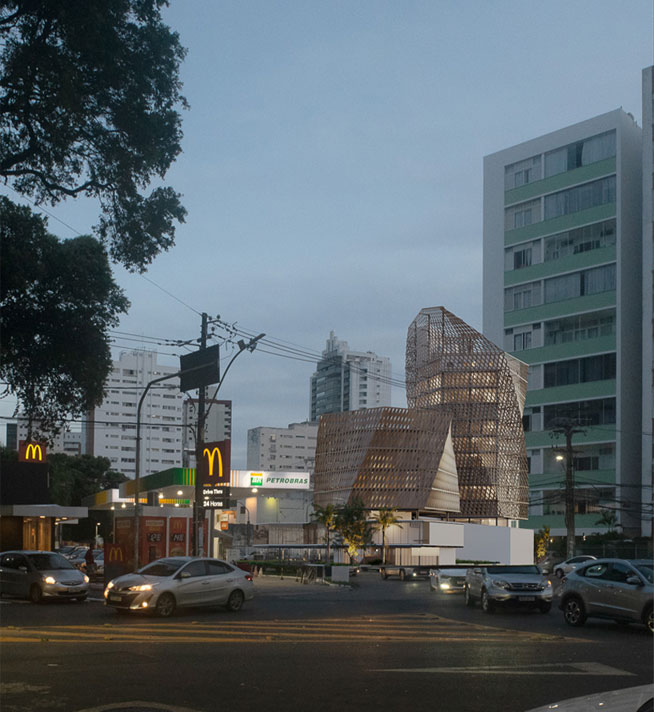
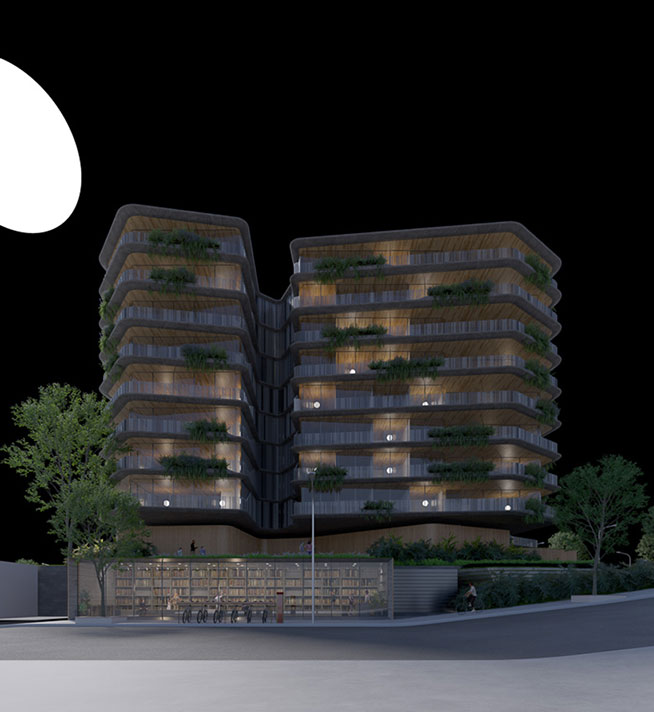
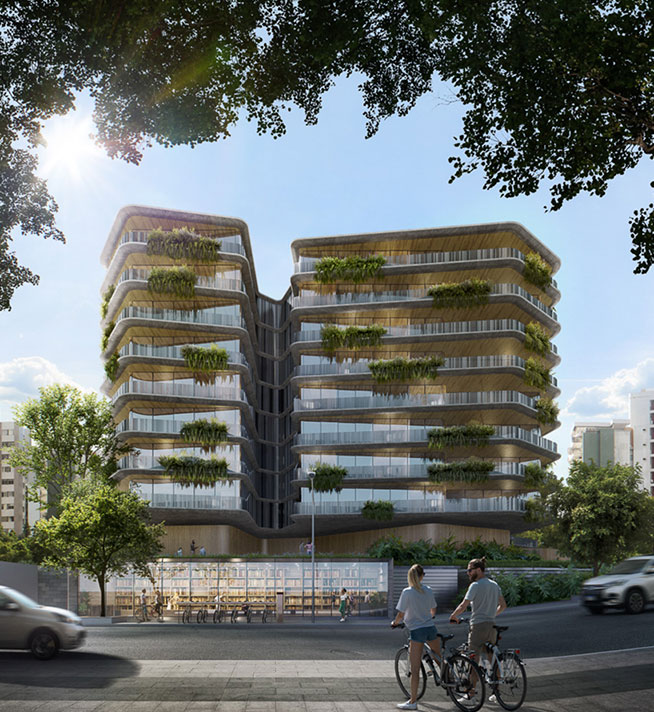
SEE THE SCENES WE WILL WORK ON IN THE COURSE
180+ lessons
More than 50 hours of practical and objective video classes.
Community
A Discord community for asking questions and sharing feedback
12 PSD’s
Access all final project files as organized and fully editable .PSDs, perfect for studying.
+8 EXR Files
Render files are available for students to practice the course exercises.
Lifetime Access
Pay once and get lifetime access to our course.
Check out what students are saying about the course
Thiago Batista
Post Production Artist | @thi.liffer
” I’ve been working in Archviz post-production for almost two years, and I owe everything I know and all the knowledge I’ve acquired to Marcos’s help. He gave me a completely different perspective on how to work with Photoshop in the Archviz field. My only experience was in Design, and when I transitioned from Graphic Design to Archviz, he was the one who gave me all the support I needed and shared all of his knowledge.”

Lucas Silva
CEO BOX IMAGE | @boximage.3d
“The course stands out for its in-depth coverage of archviz post-production topics and techniques, which is already something very rare to find in the market. Furthermore, the course differentiates itself with live group mentoring sessions on Discord and content sharing within the community. I believe that by strictly following the taught content, a professional is likely to stand out in the market.”

David Lucas
3D Artist | @davidlucas.3d
“The Post-production for Archviz course is simply fantastic. The lessons are sensational, the way Marcos explains… in the end, you’re left with no doubts at all. Because of this, my artistic vision has changed completely. It’s no wonder I’ve been able to see a significant improvement in my images. Obviously, I still have a lot to learn and improve, but the course has been helping me in that regard.”
Gabriel Mustache
Post Production Artist and Photographer | @artdomustache
” He takes scenes with basically nothing and develops the entire scene in post-production, and you start to understand that it’s possible and not rocket science. Can you trust the things that are said and taught there? From my own experience, he has already helped me with personal projects. Everything ends up working so well because of the vast experience he has accumulated.”
STUDENTS' WORK
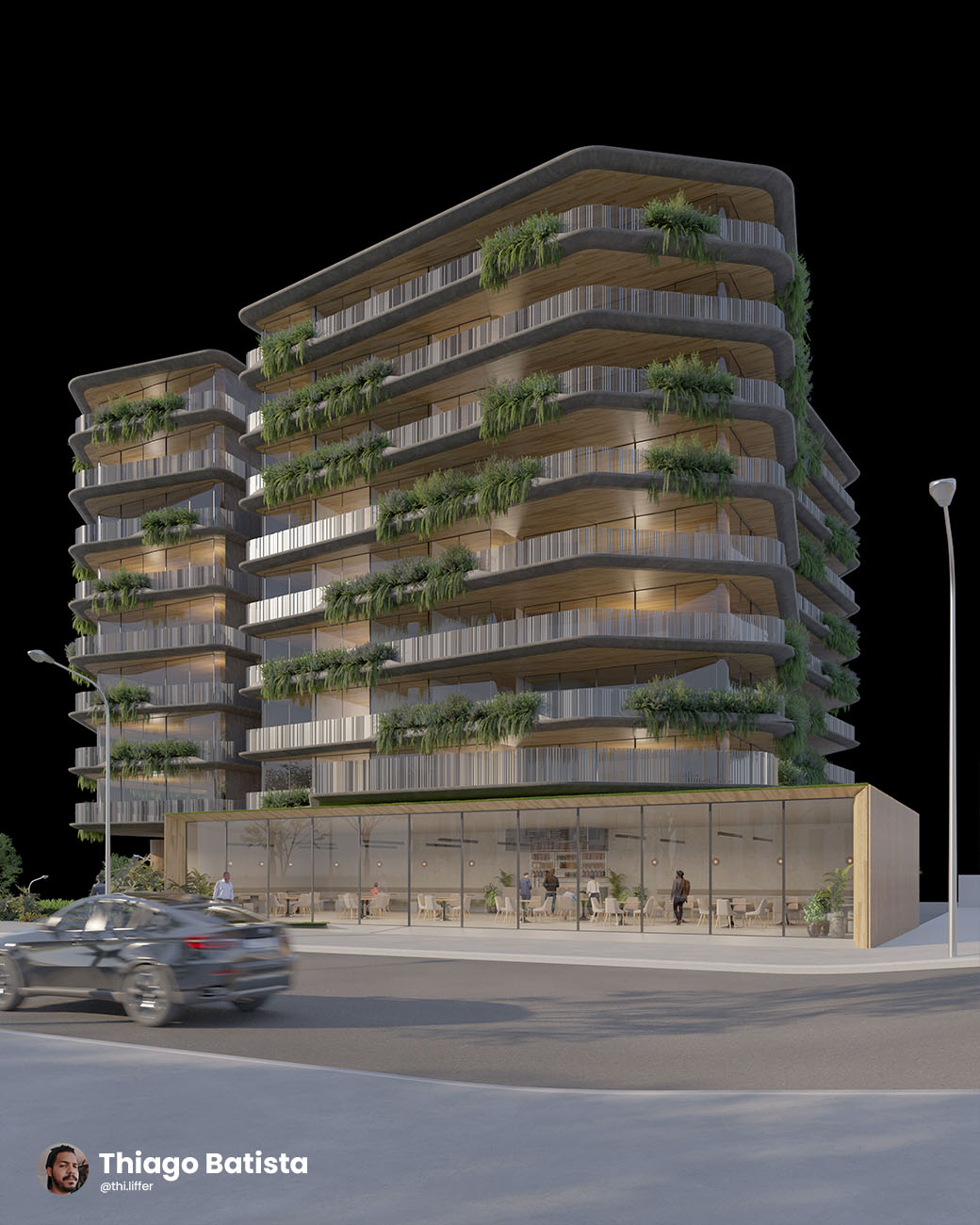

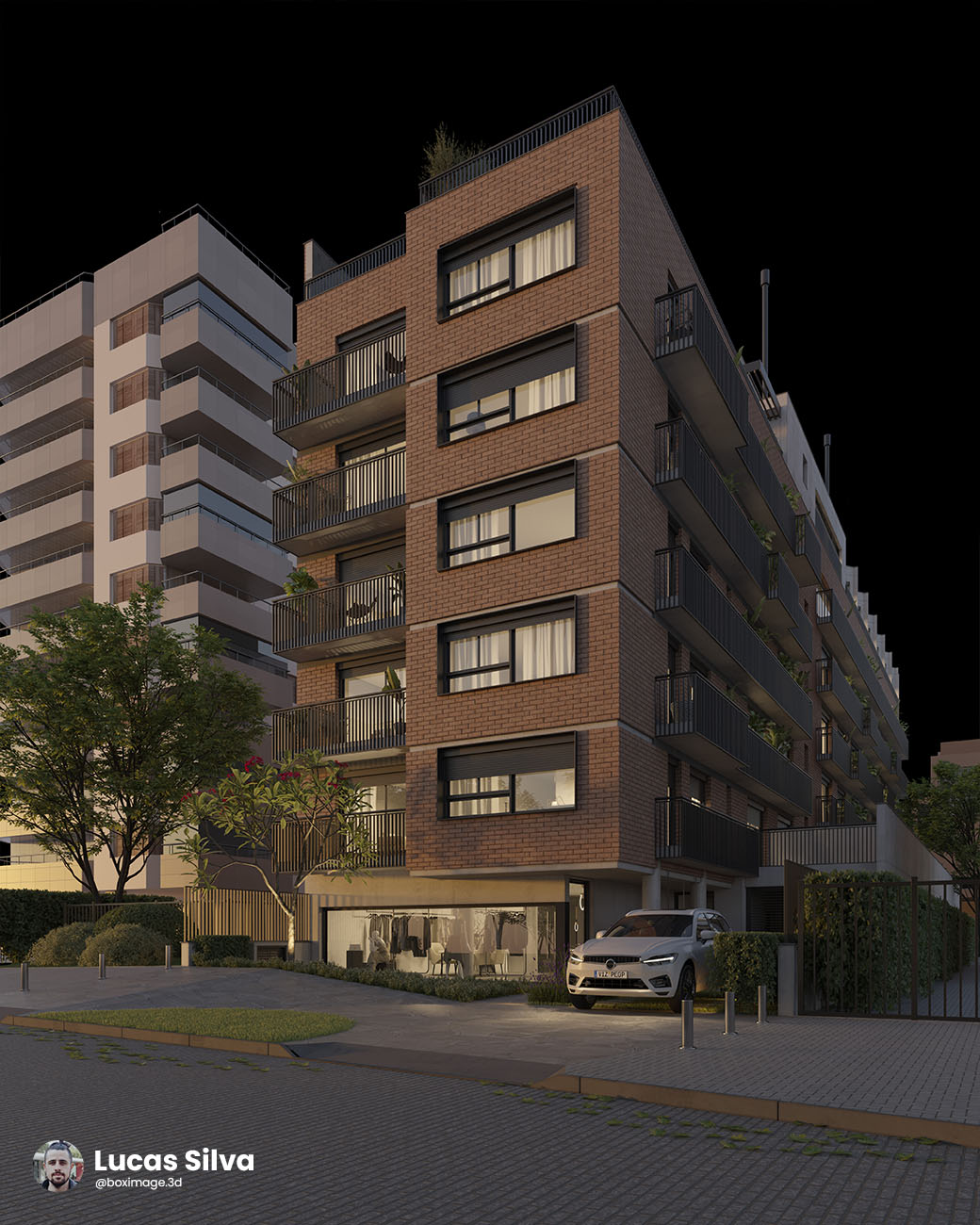
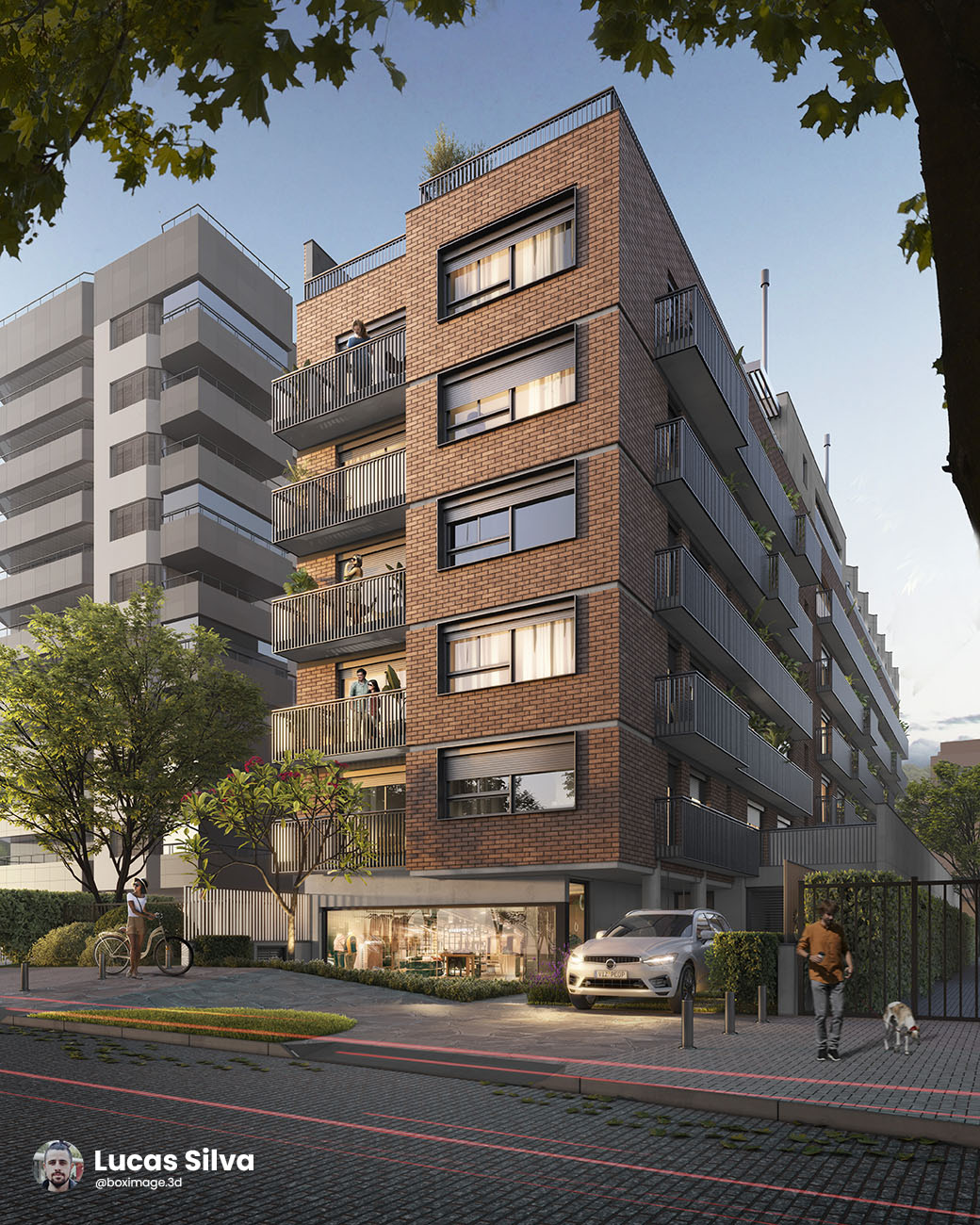
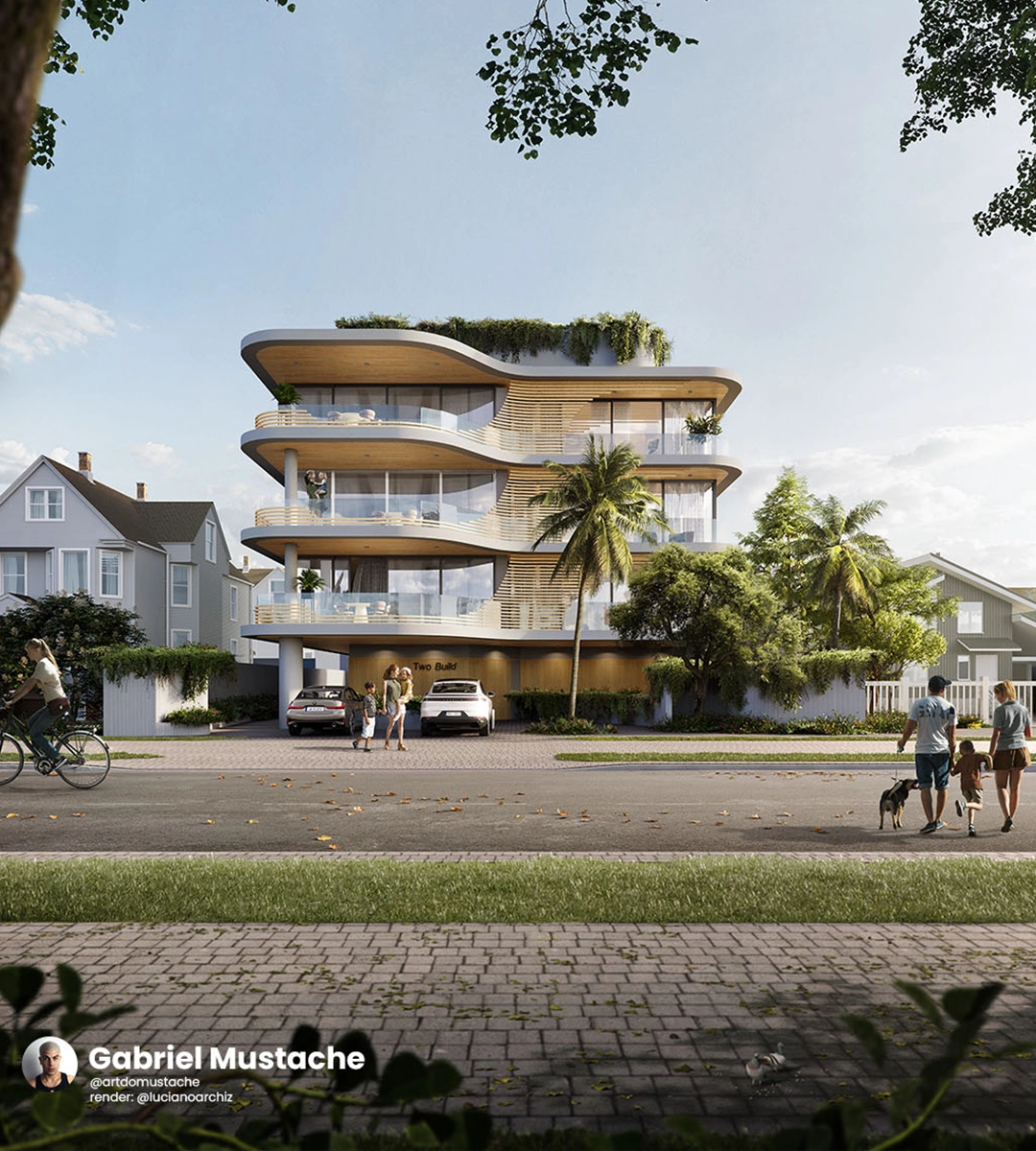
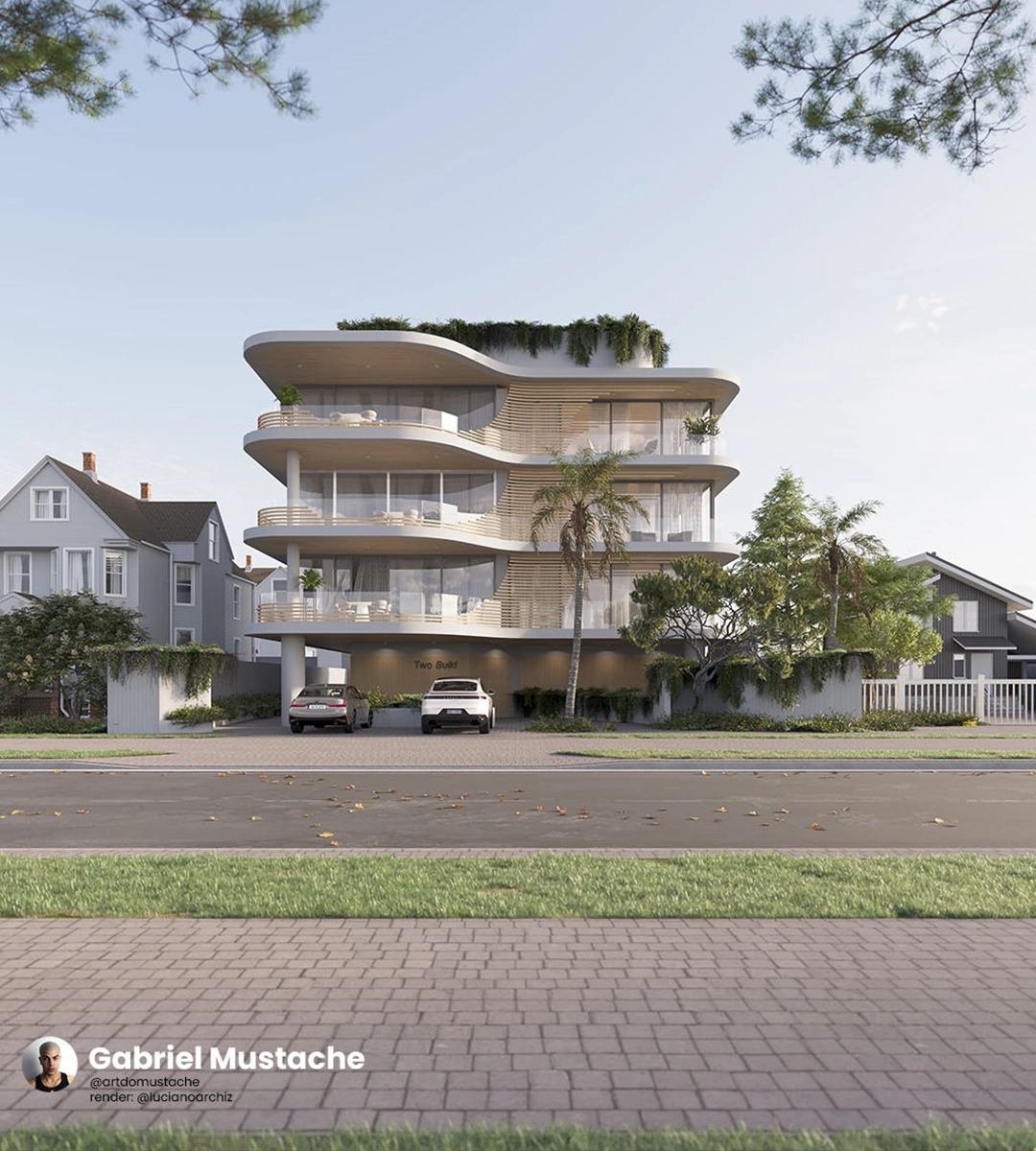
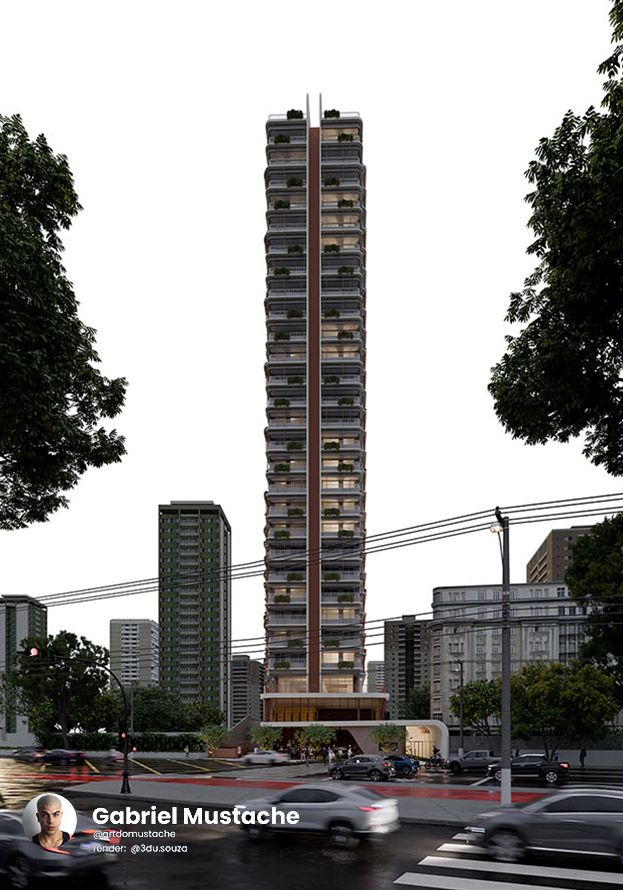
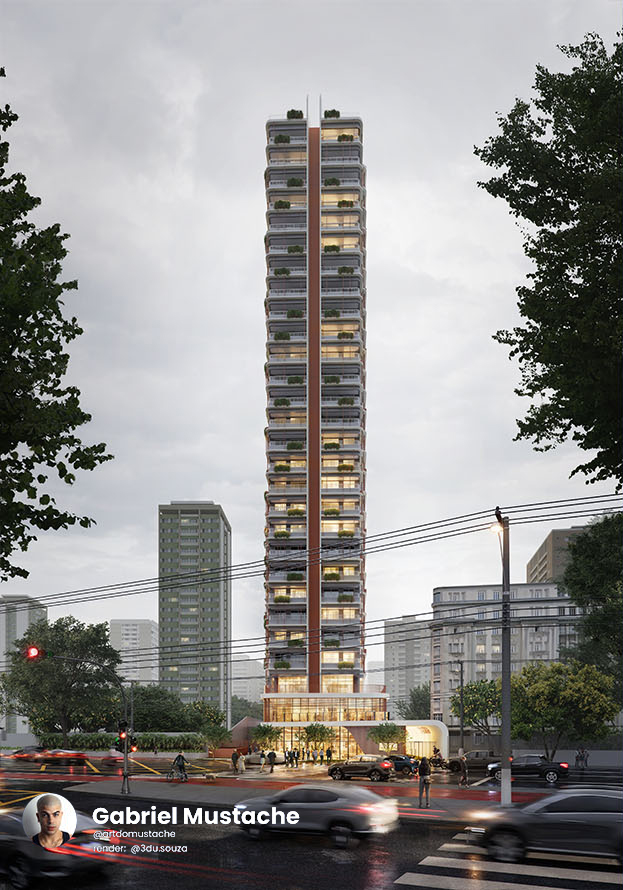
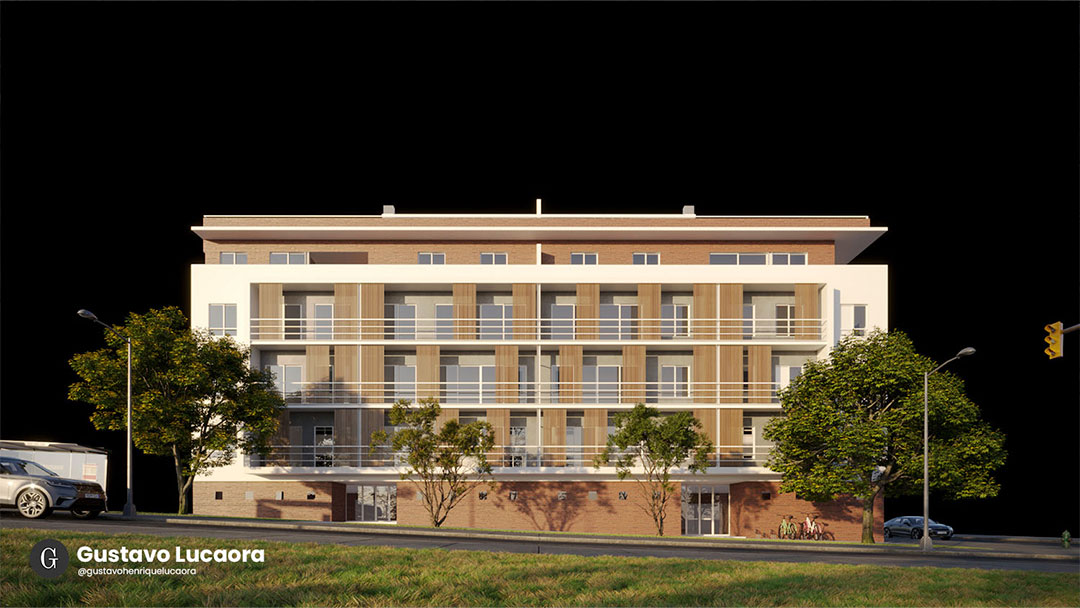
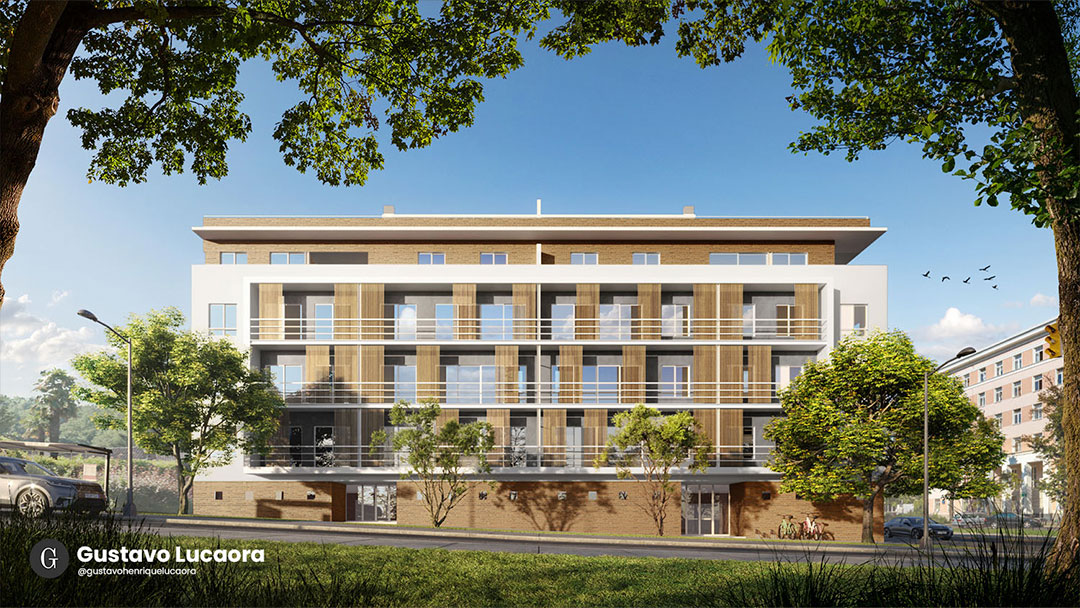
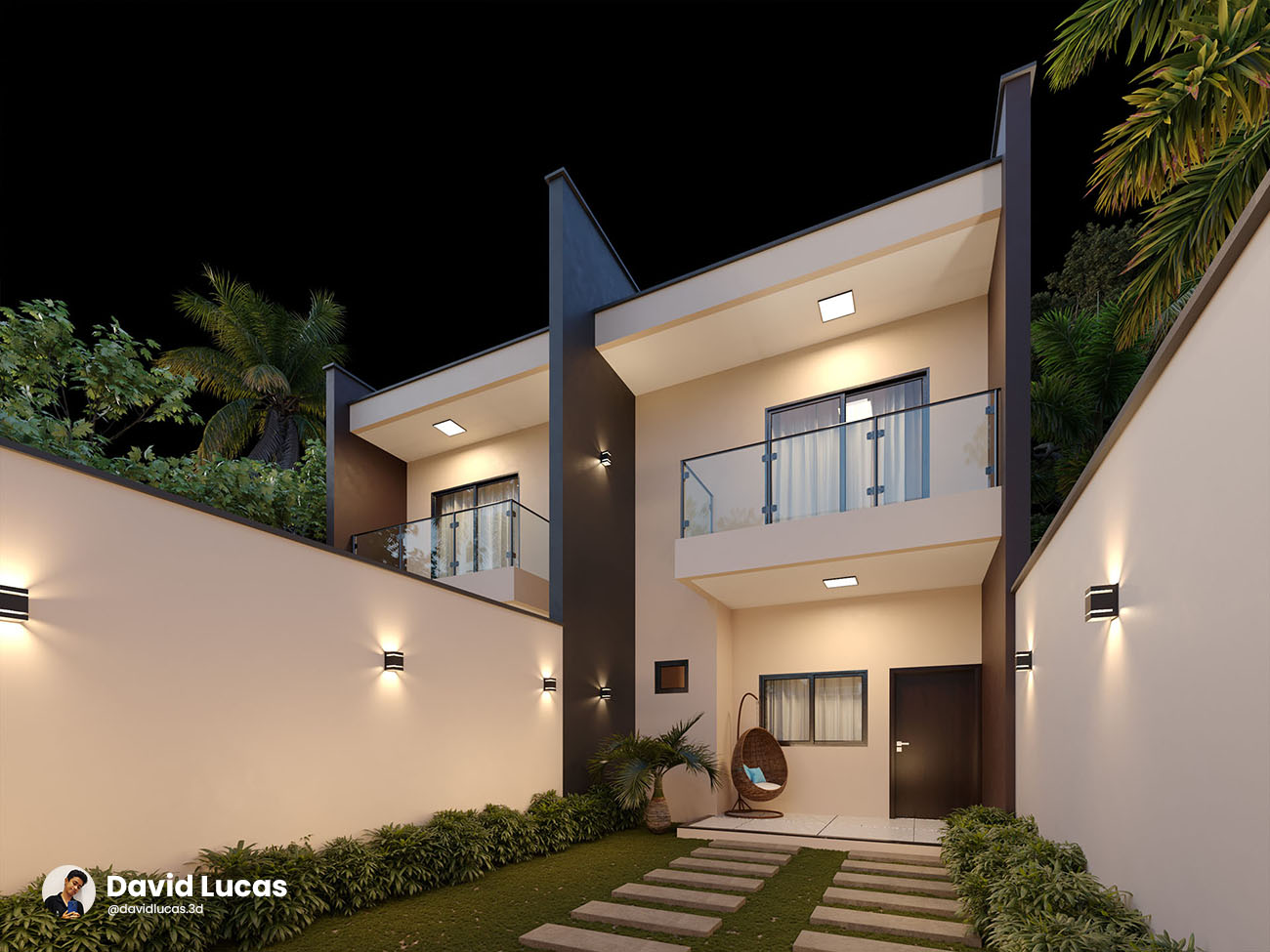
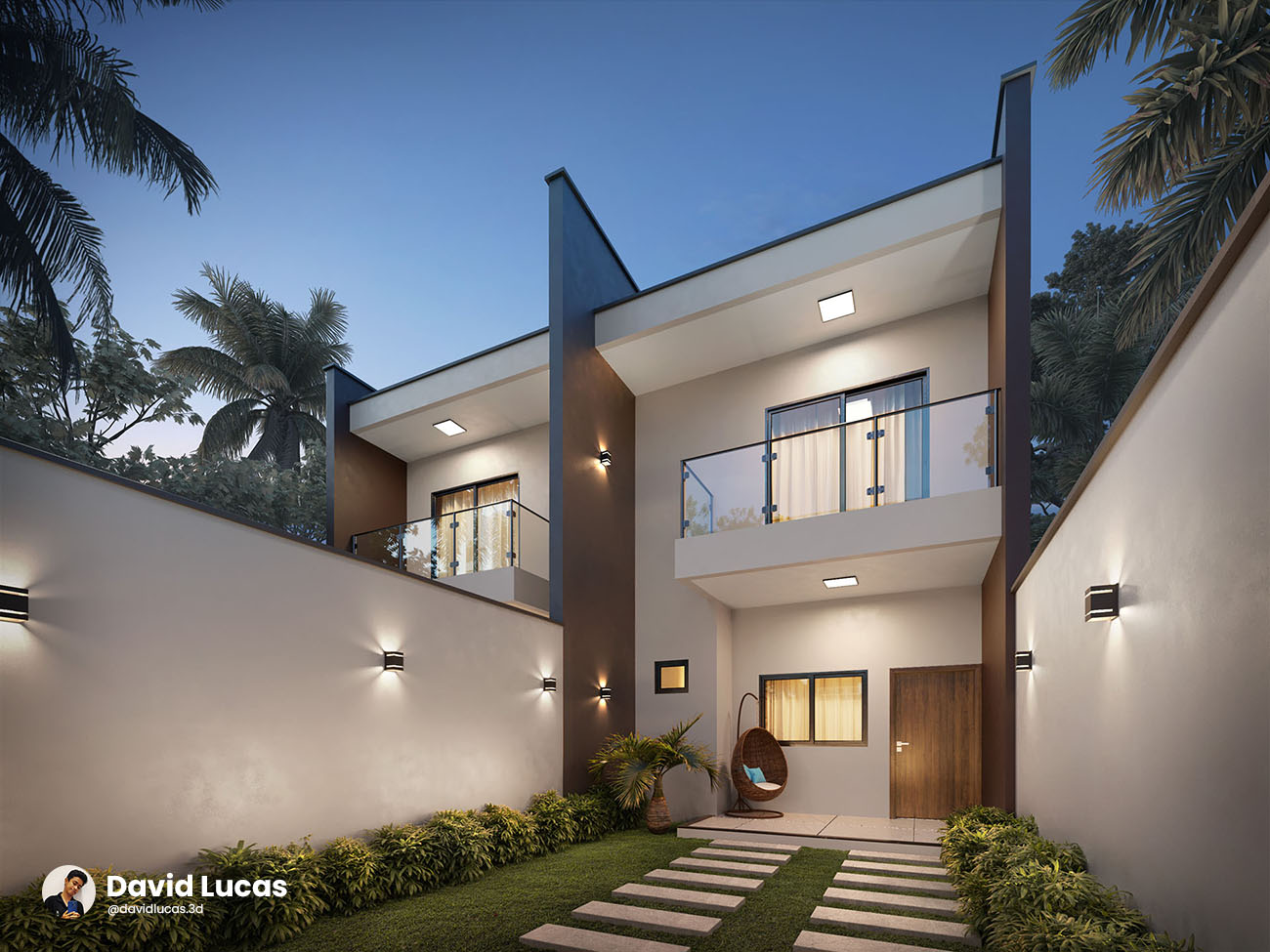
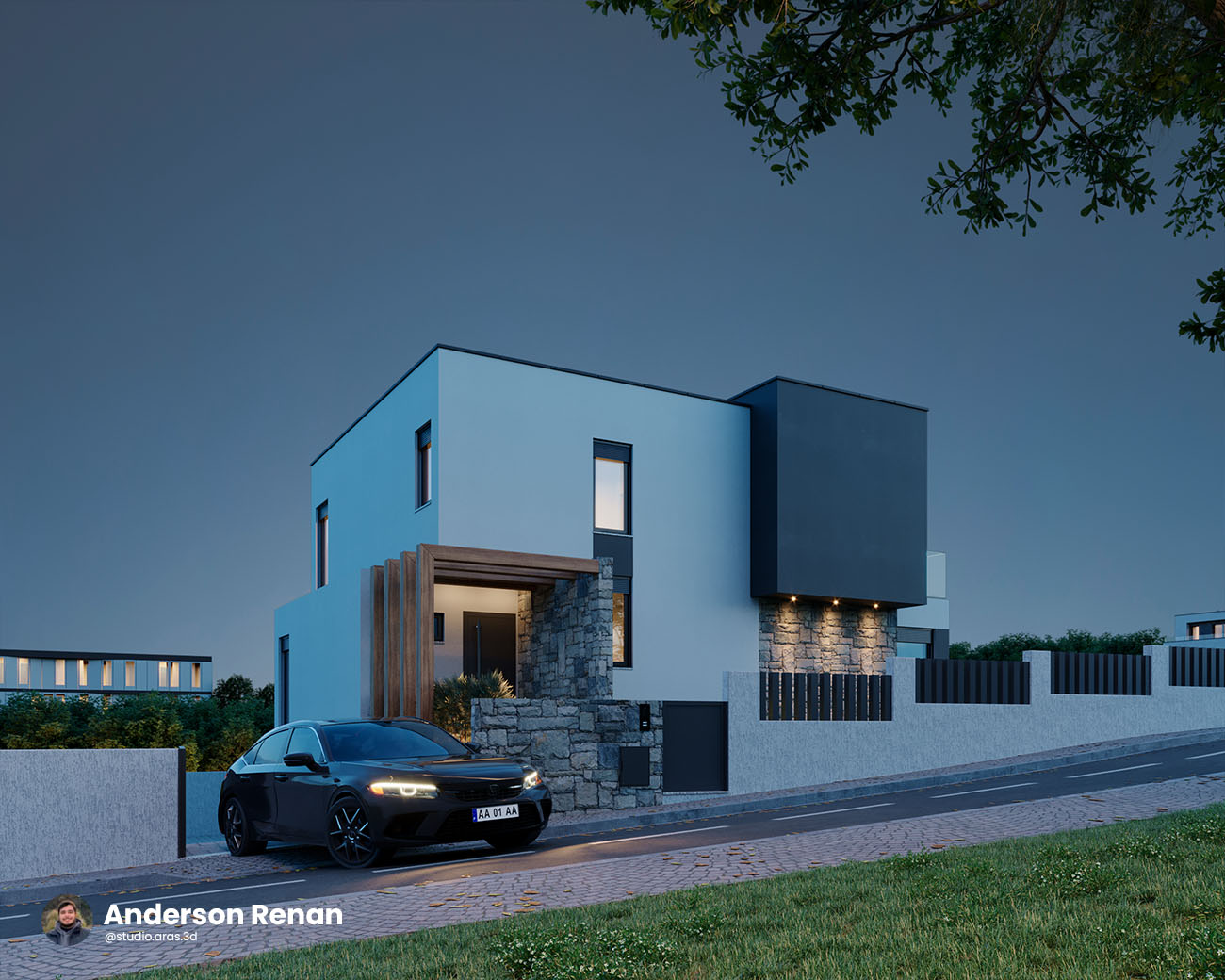
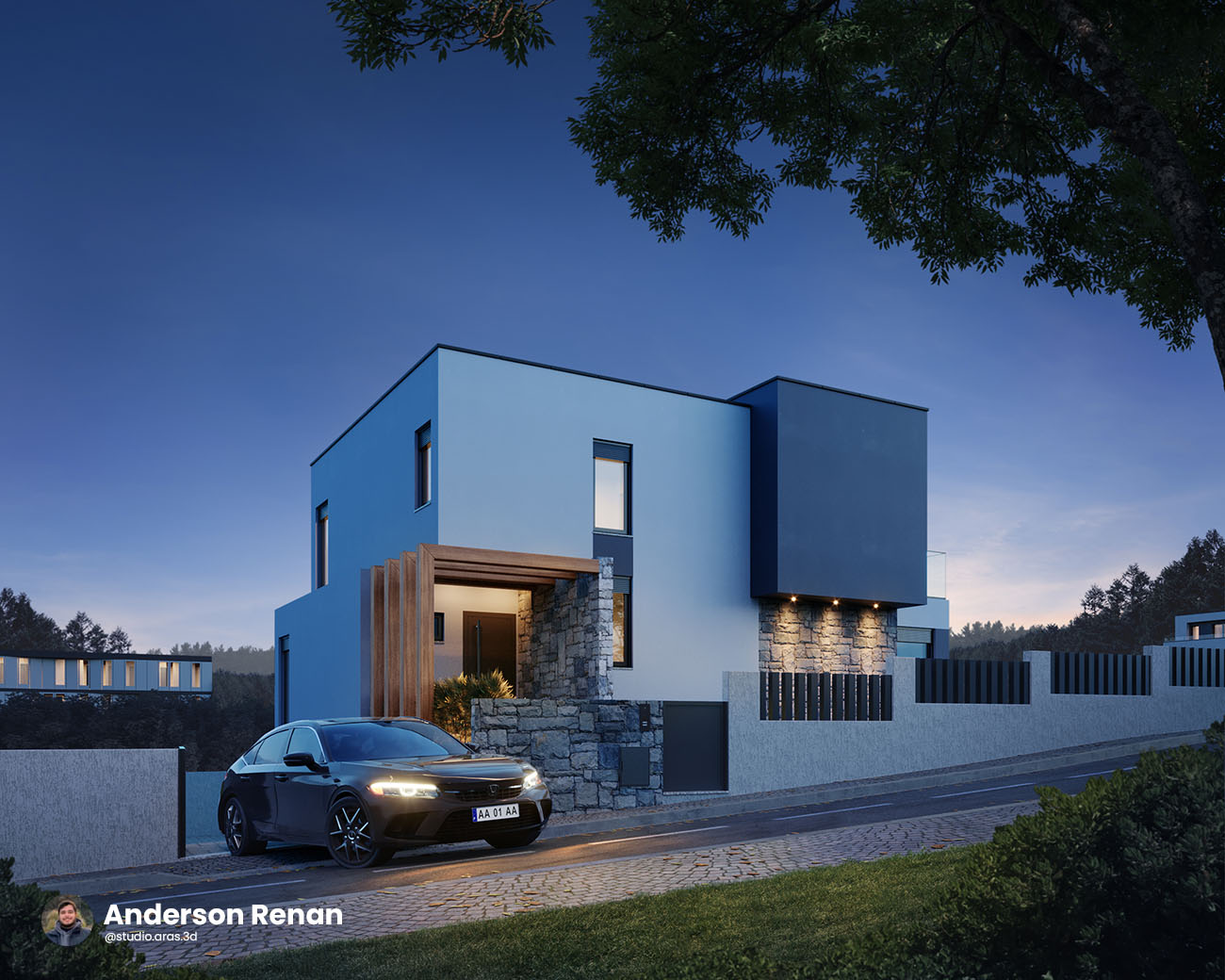
Improve your skills and learn to create stunning images.

- Já foi nosso aluno? Adquira 50% de desconto, entre em contato pelo Instagram!
100% SECURE PURCHASE
Purchase with confidence! You’re protected by our 15 day money back guarantee. If you’re not happy, we’ll refund you. No questions asked. Join today!
Who Will Be Your Instructor?
Fillipe Farias
He has 15 years of experience in 3D and post-production, with a focus on architectural visualization.
He has worked with some of the largest archviz studios in Brazil and, five years ago, founded the studio Migration Of Birds. Today, he serves major national and international architectural firms and real estate developers.
Marcos Silveira
He is one of the instructors for the post-production course, with 7 years of experience working in Archviz studios as a Photoshop specialist.
Marcos holds a degree in Graphic Design and currently provides post-production services for several national and international studios.
FAQ | Frequently Asked Questions
Is this course for me?
This course is designed for 3D artists seeking to enhance their work, as well as image editors who want to learn the entire professional post-production process for archviz.
I don't know Photoshop. Can I still take the course?
To fully benefit from the course content, a basic understanding of Photoshop is essential. You should be familiar with concepts such as masks, adjustments, selections, and blending modes.
Does this course teach 3D?
No, the course’s practical work is predominantly focused on Photoshop. We will only touch on a 3D interface on rare occasions.
Can I download the course or share my account?
Downloading or sharing the course is not permitted and may result in your access being permanently revoked, with no right to a refund.
How does the course support work?
Course support is provided through the Discord community, accessible via the link pinned on the course platform. In the community, students can ask questions and share images to receive feedback. When you purchase the course, you receive one year of access to the community to enhance your learning experience.
I don't use Corona Render. Can I still benefit from the course?
Yes, absolutely. It is not mandatory to use Corona. If you use any renderer that exports render elements—such as V-Ray, Arnold, Redshift, Octane, Cycles, and others—this course is perfect for you.
If you use Lumion, Enscape, D5 Render, or Unreal Engine, it’s important to note that there are limitations on the render elements and file formats that this software can export. This won’t compromise your learning, but it may limit the techniques you can apply during post-production on your own renders.
How long will I be able to access the course?
Your purchase includes lifetime access to the course content, with support provided for one year.
What if I don't like the course?
The platform that hosts the course offers a 15-day trial period. If, for any reason, you are not satisfied or realize it is not the right fit for you, you can request a refund with no justification needed. However, it’s important to note that if you opt for a refund, your access to the Discord group and other course benefits will be revoked.