CLARITY UPSCALER FOR PHOTOSHOP
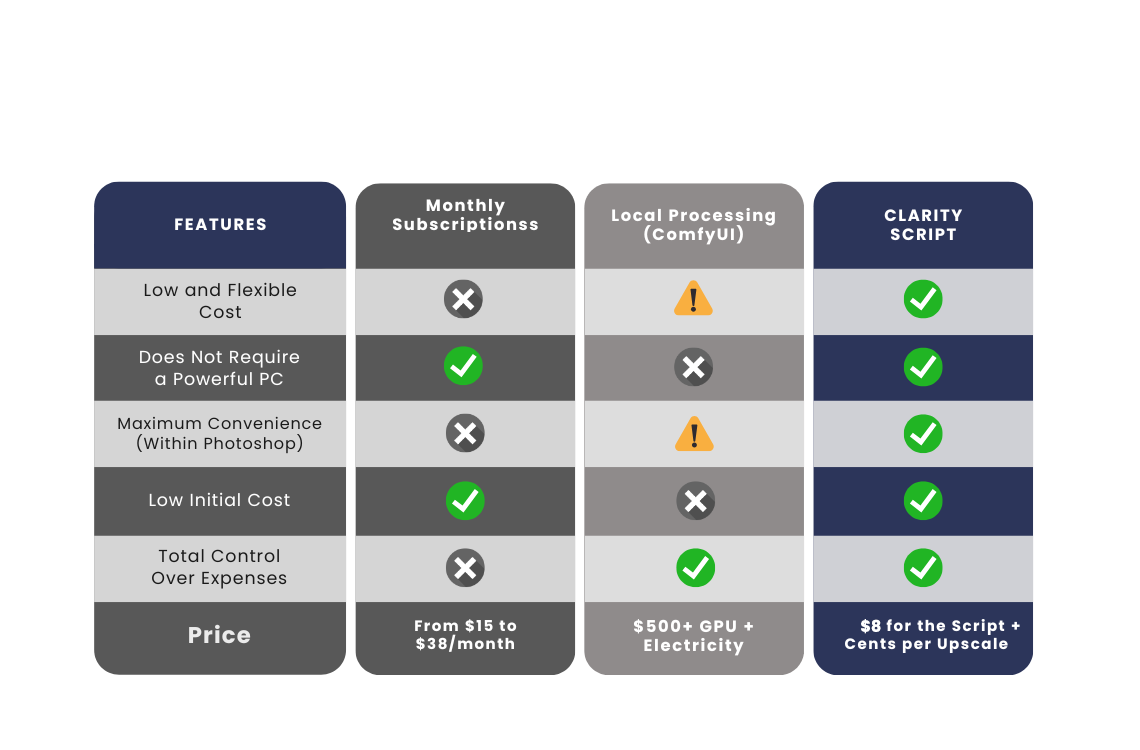
Stop wasting credits on monthly renewing subscriptions. Do upscaling right inside Photoshop, paying only for what you use!
Elevate the quality of your images Without Leaving Photoshop.
The Clarity Upscaler Script is a smart bridge that connects your Photoshop directly to a powerful upscaling API hosted on Replicate. No more interruptions! With our script, you select any area of your image, adjust the settings, and in minutes, receive a version with details and sharpness that were previously impossible, directly on your working layer.
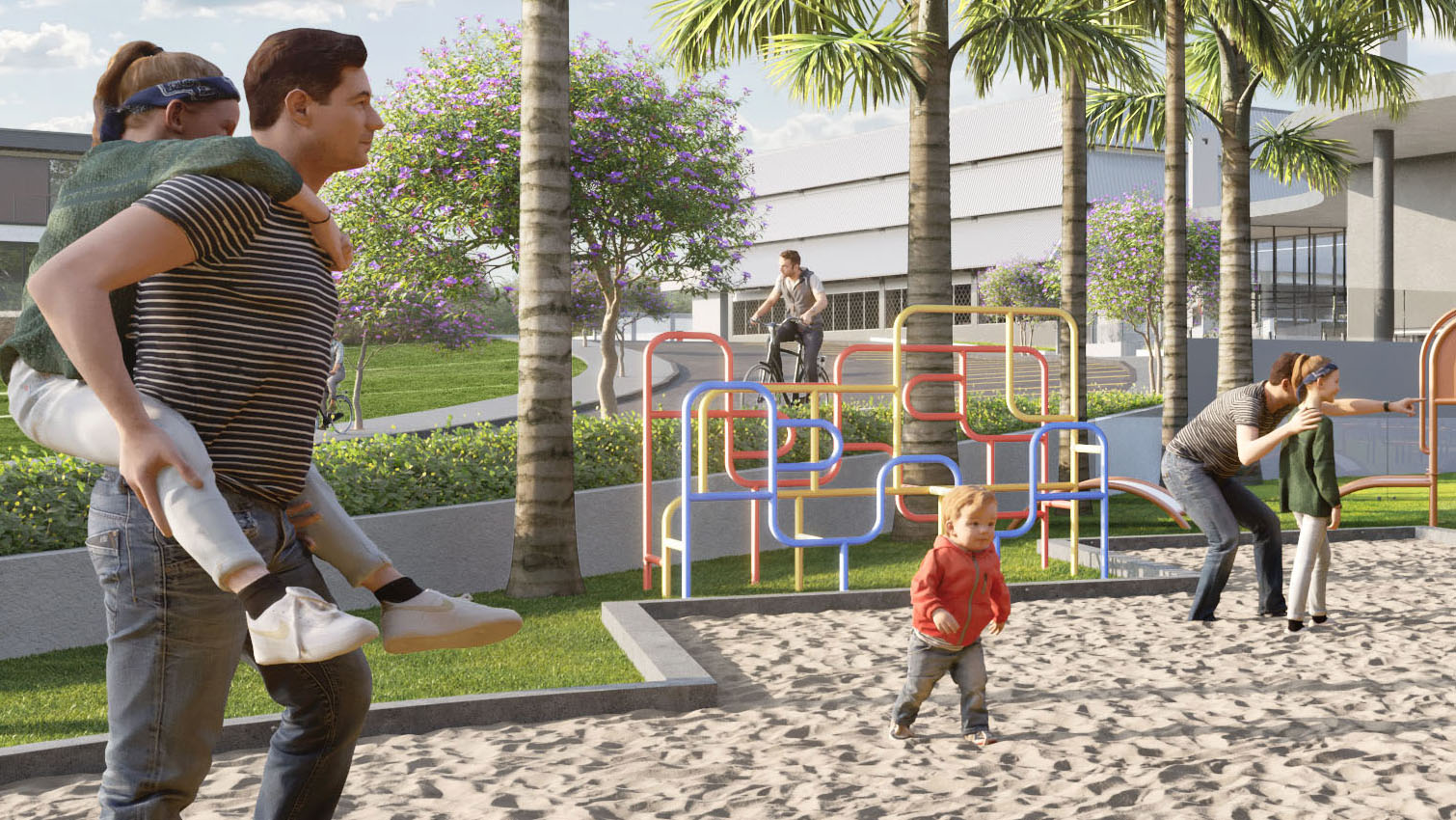

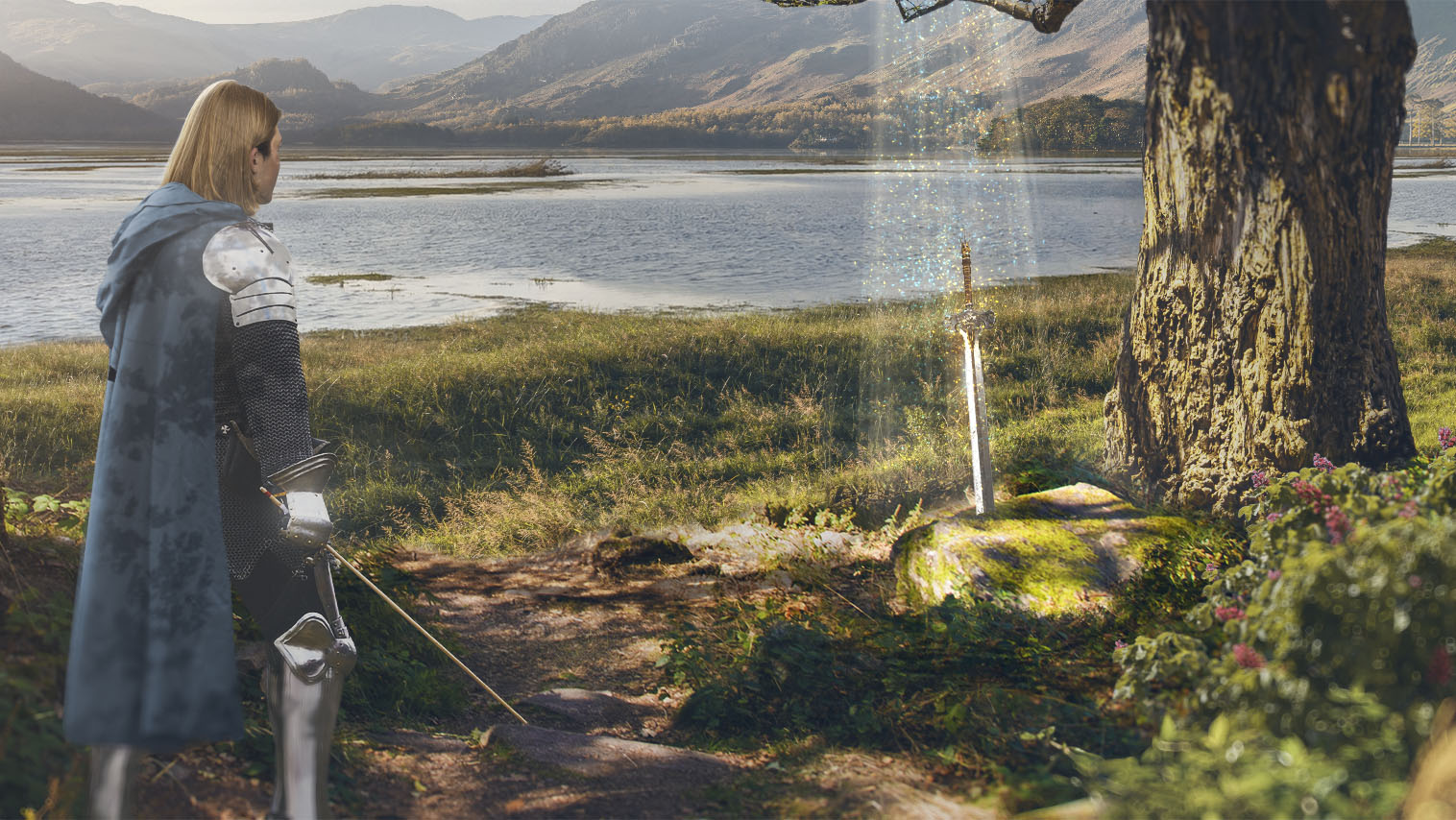

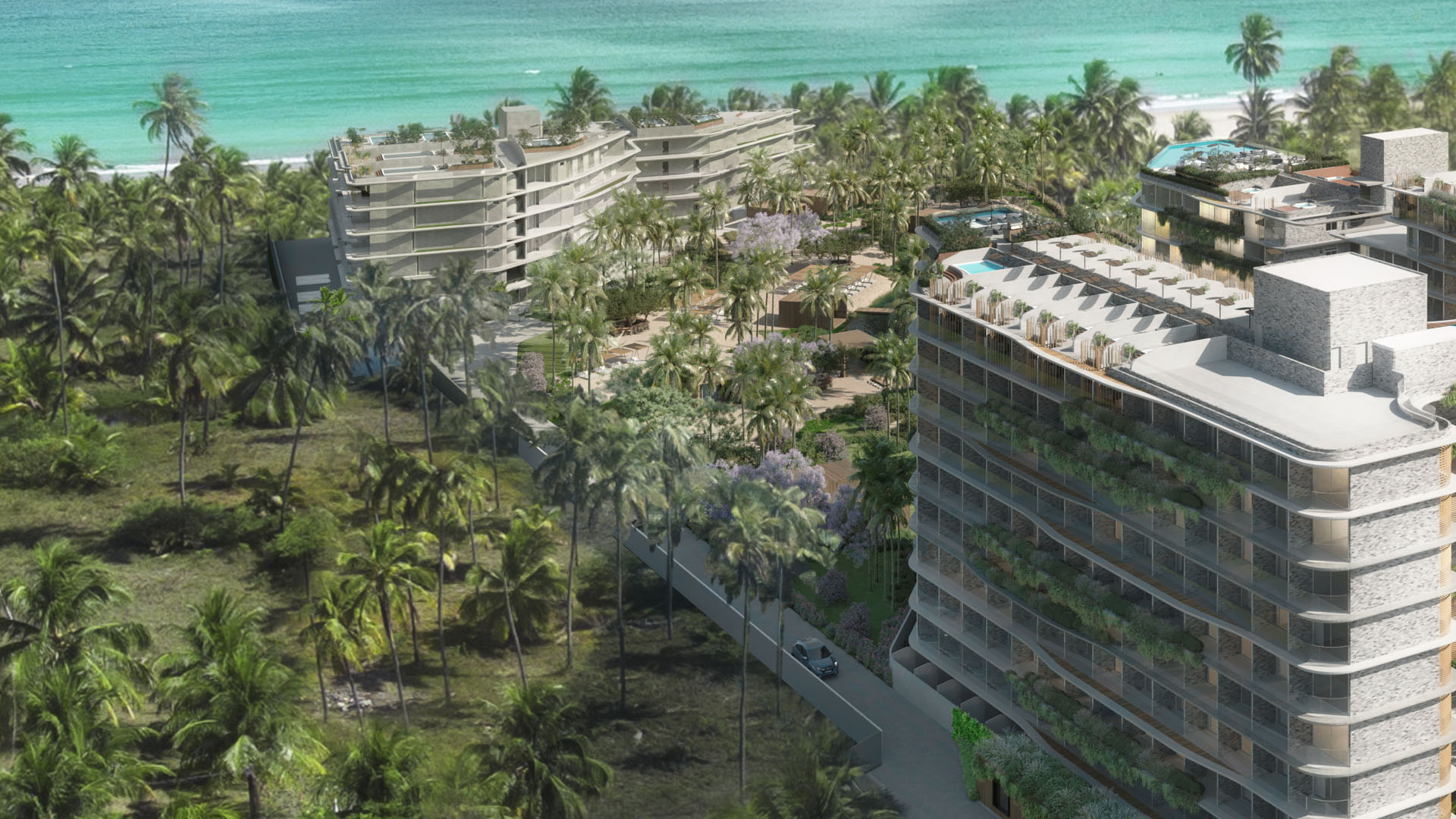
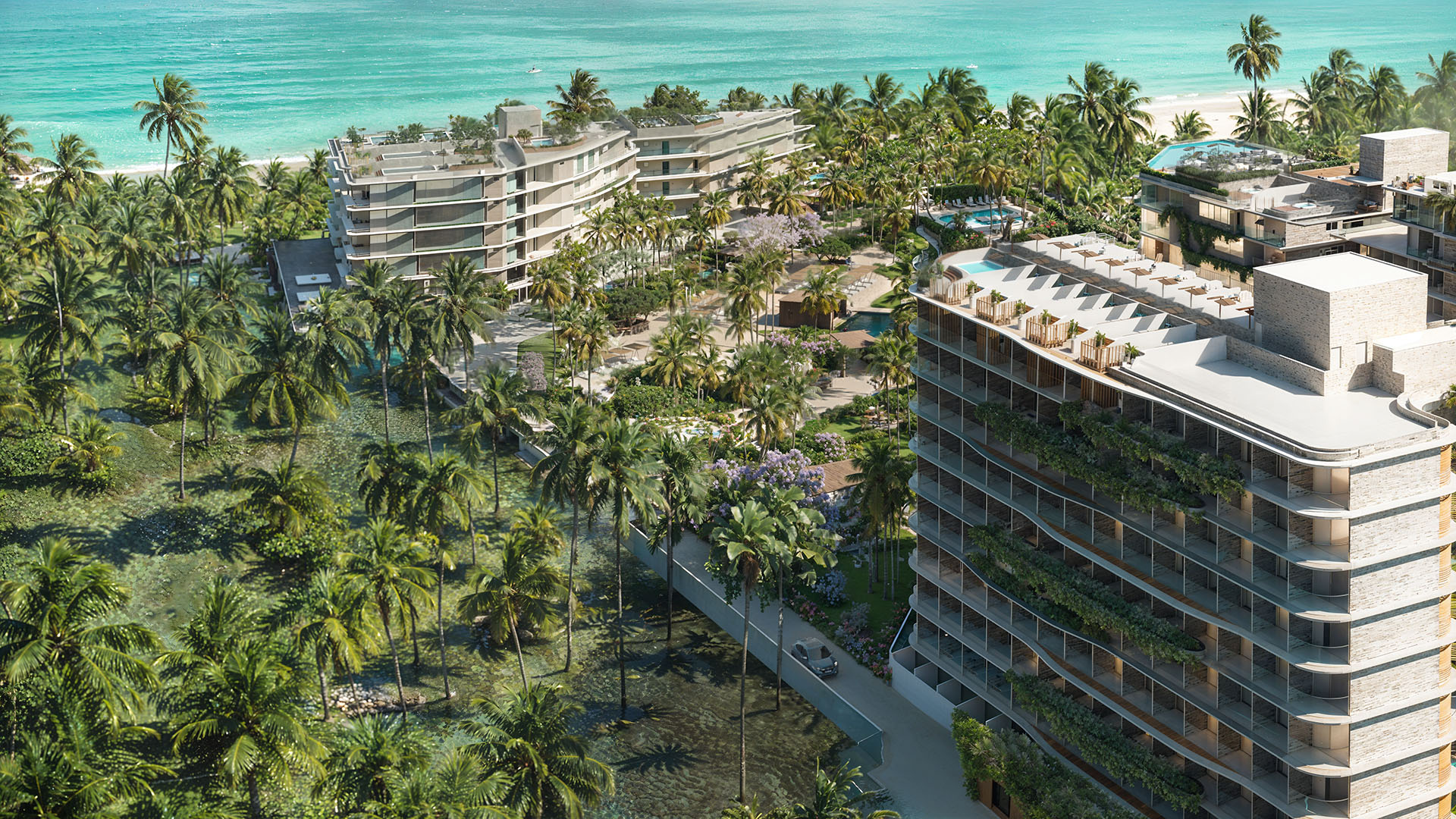
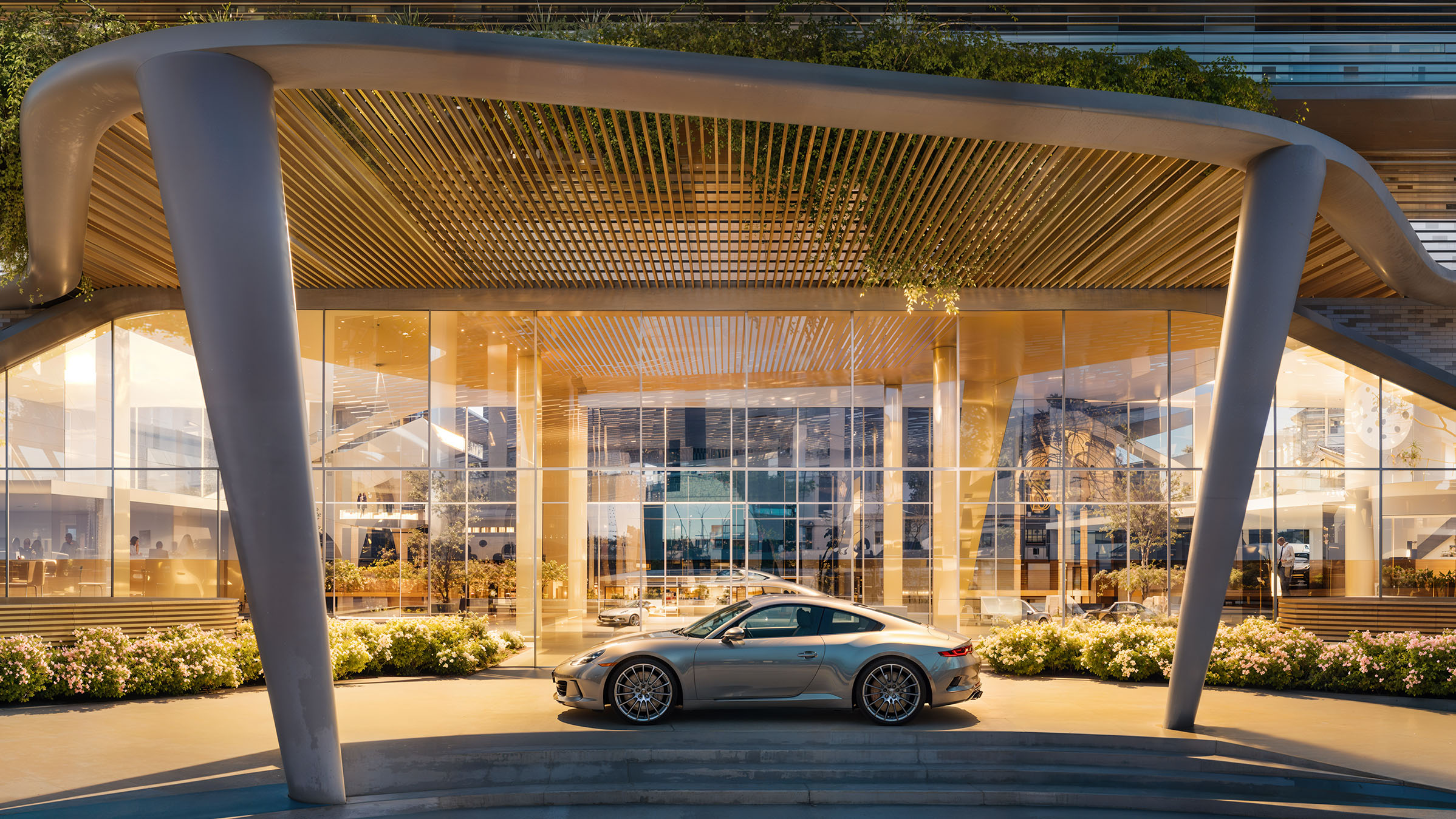
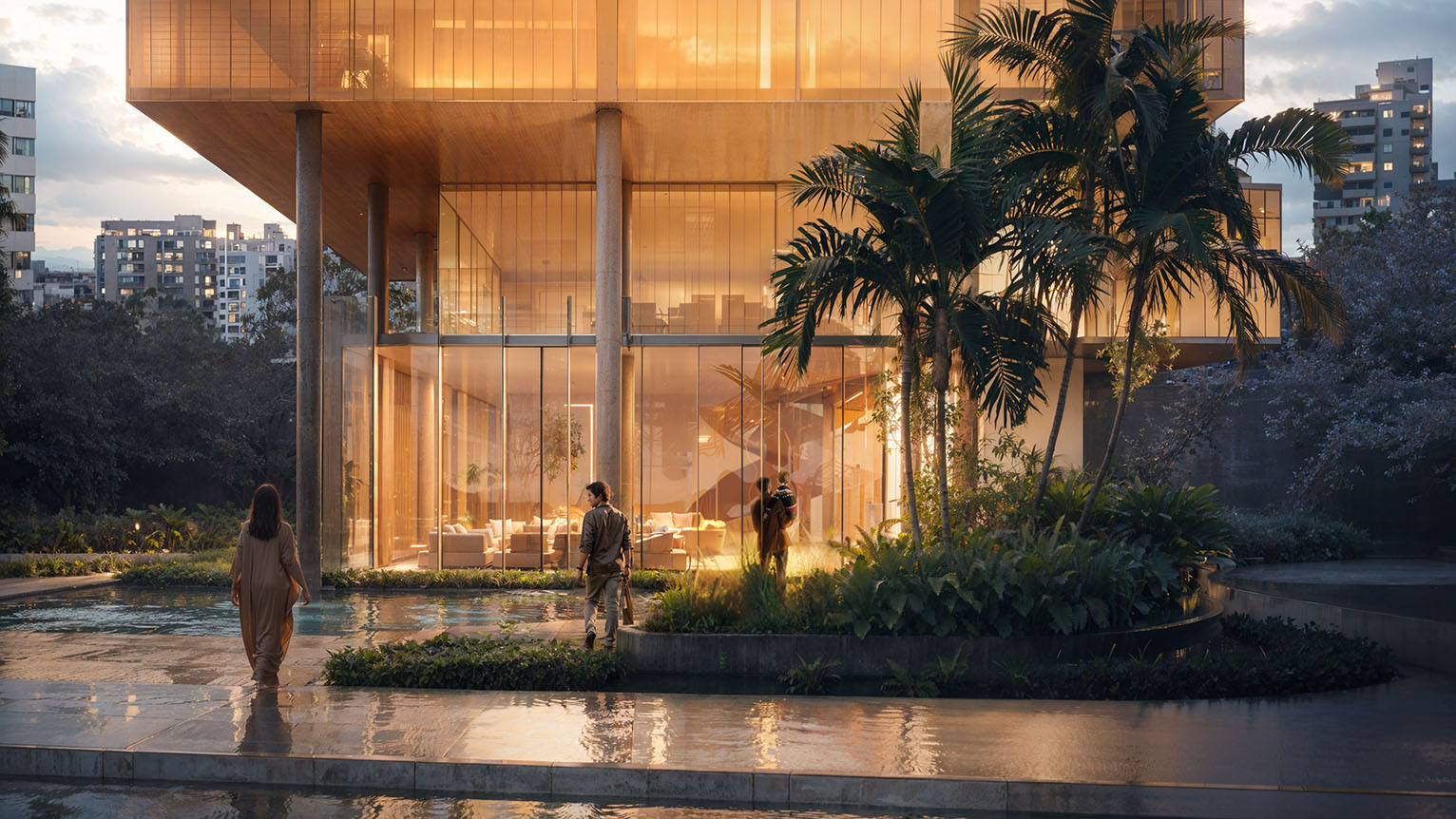
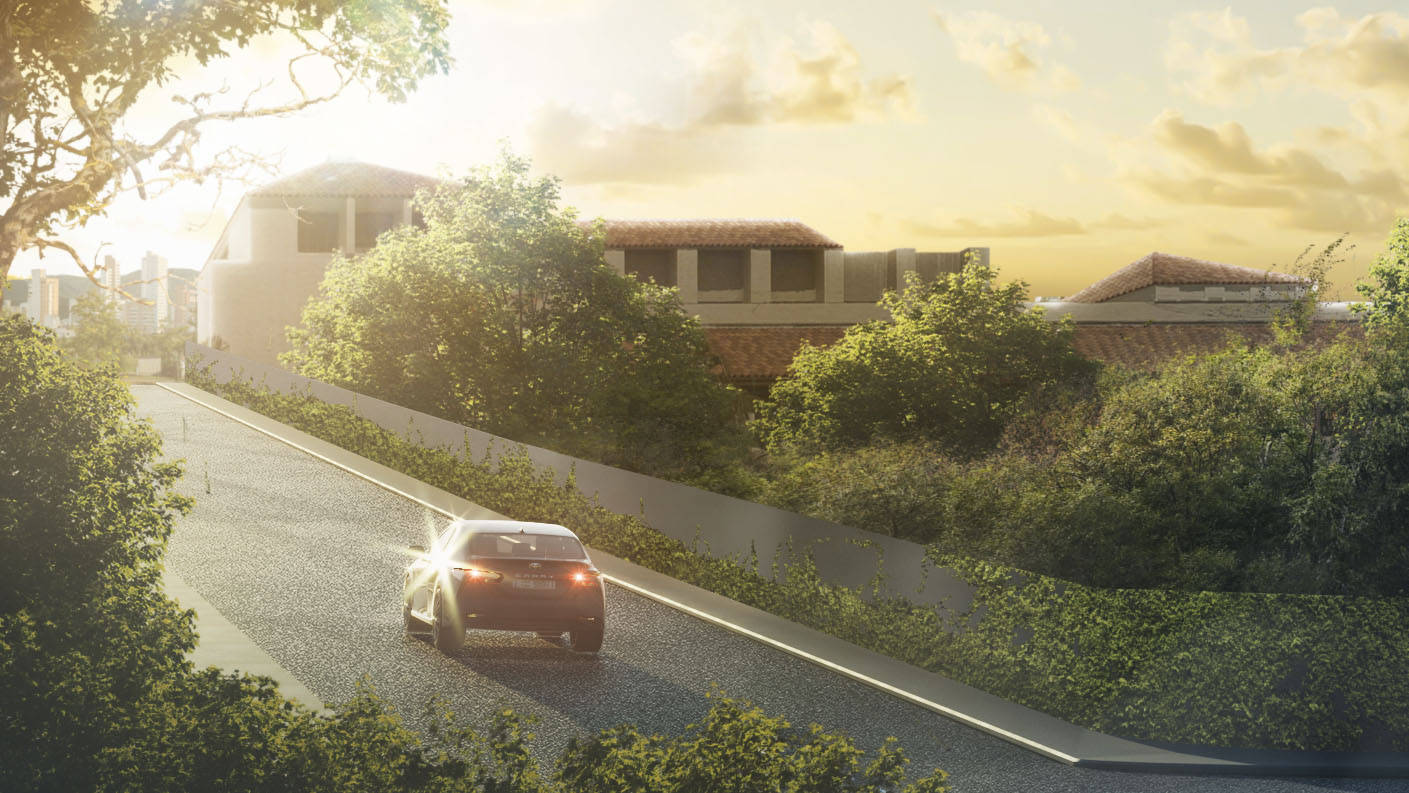
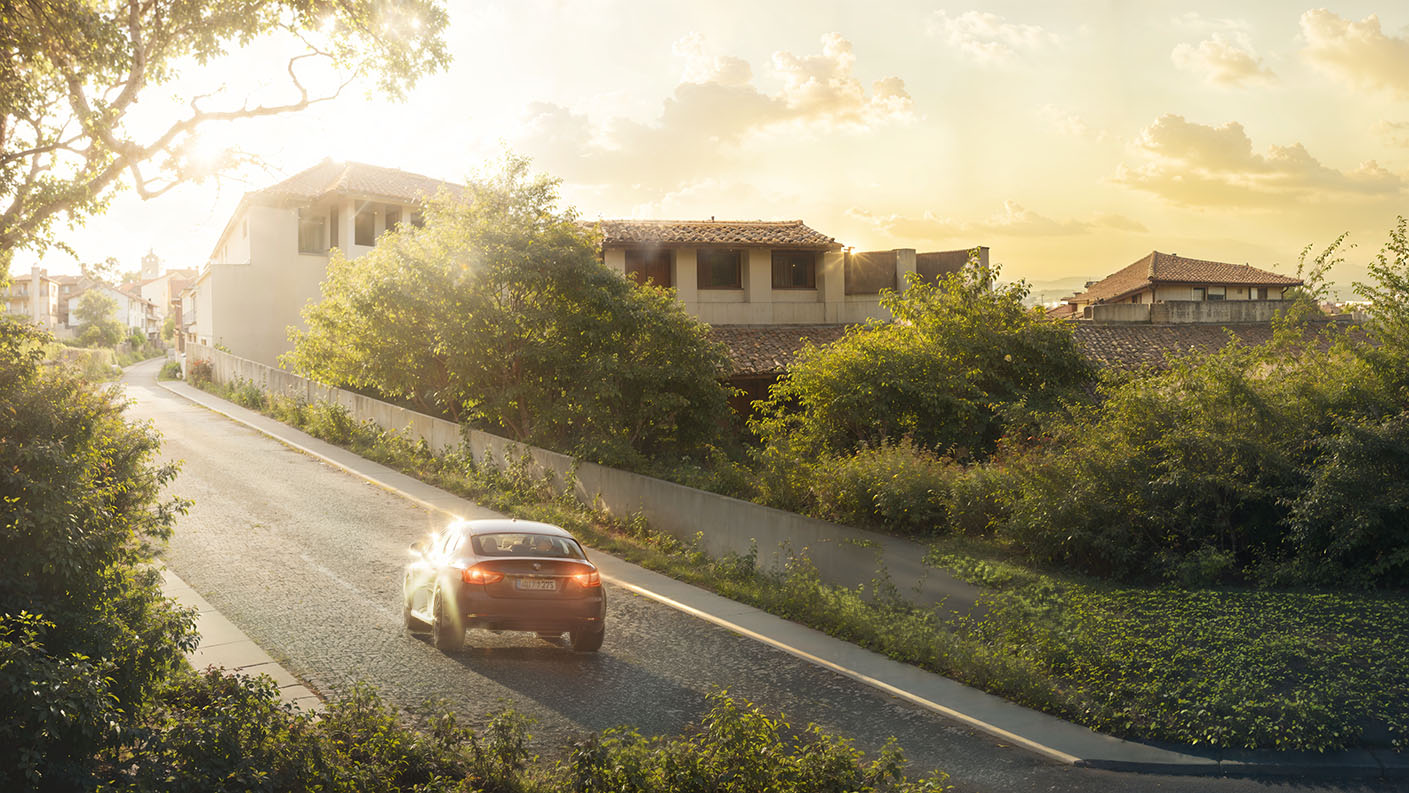
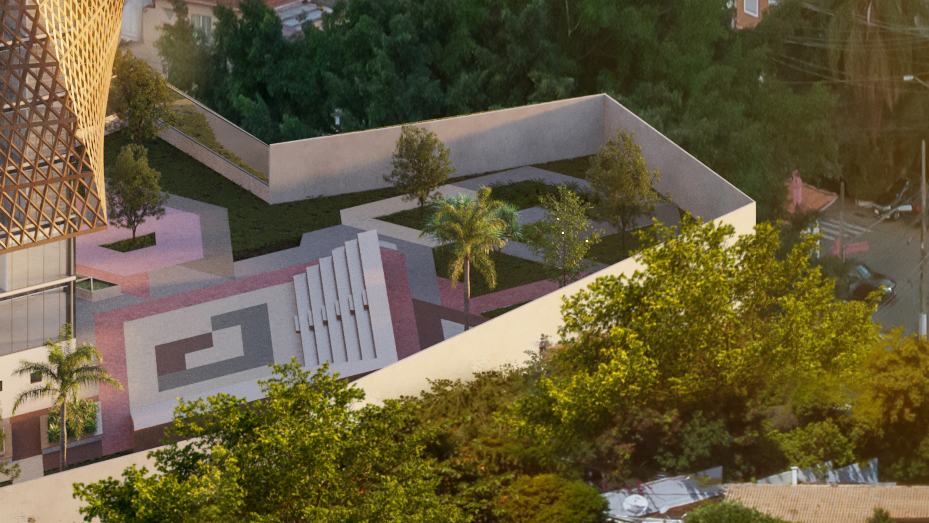
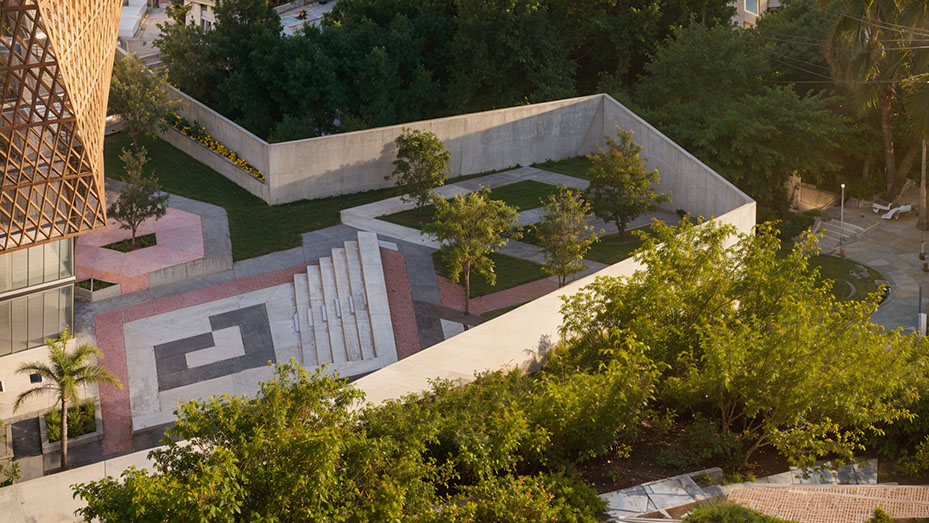
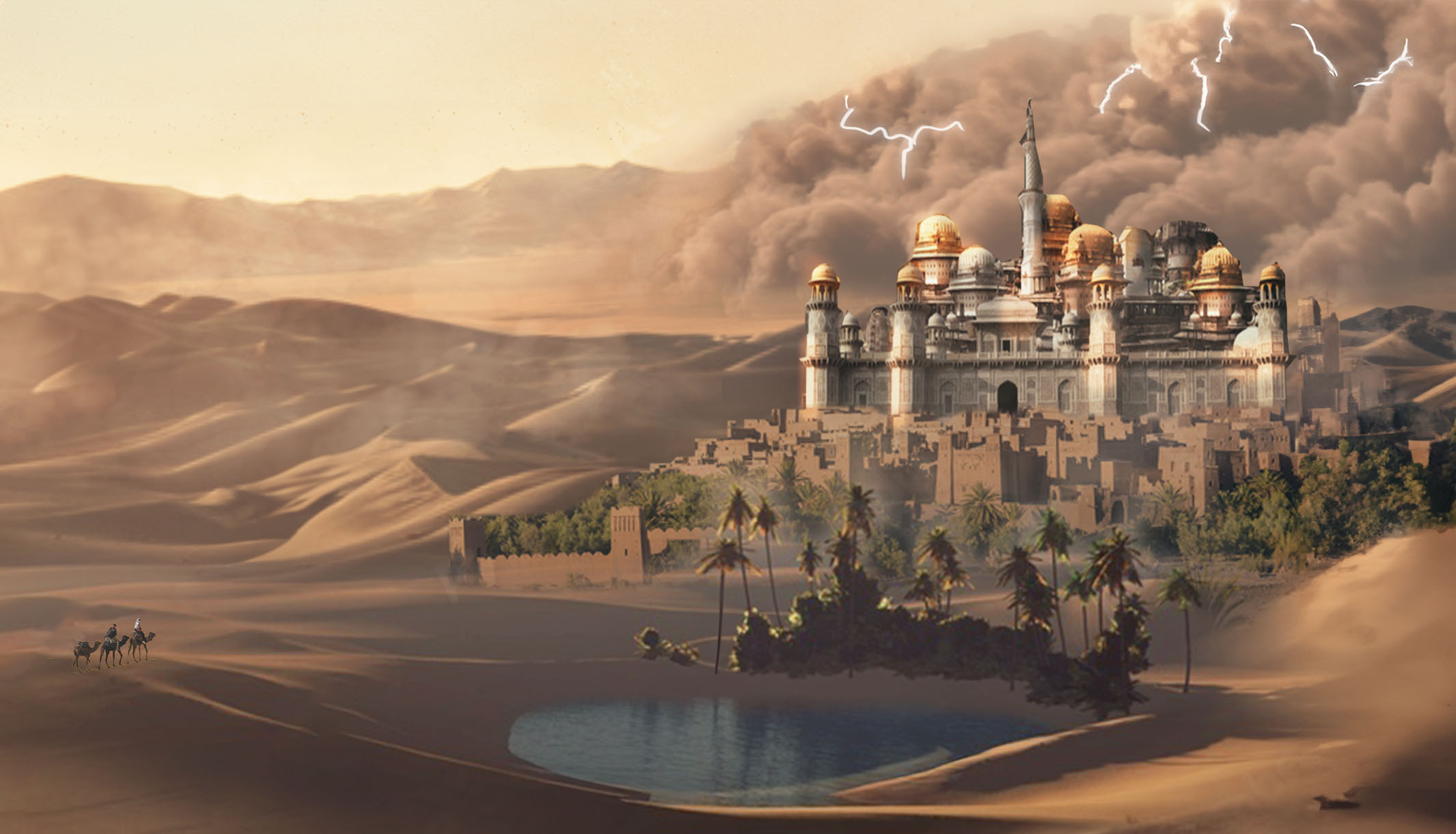
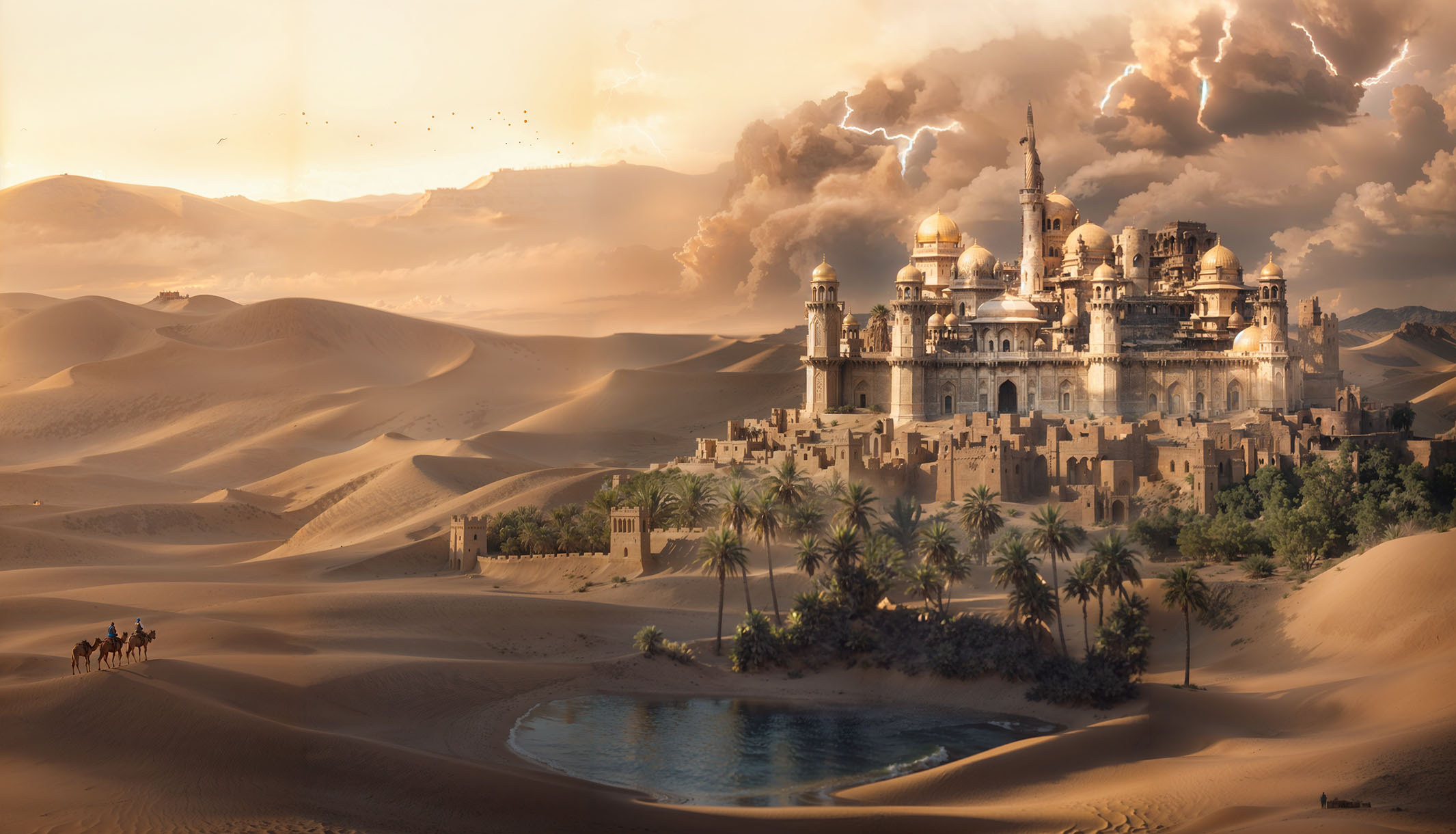
Who is this script for?
This script isn’t about making your images bigger. It’s about making them better. It was created for artists who understand that the quality of a project lies in the details and who refuse to accept imperfections.
✅ Optimized and Easy-to-Use Interface
Are you tired of having to export your work, upload it to an AI website, wait, download it, and import everything back into Photoshop?
Do the upscaling inside Photoshop with just a few clicks, paying a very low cost per generation.
✅ Guaranteed Support and Future Updates
- Your purchase today guarantees access to all future updates at no extra cost. Soon, you will receive our new smart auto-prompt system to elevate the quality of your generations and a price estimation tool so you have total control over your costs.
✅ Video lessons to get the most out of it
- We have prepared a lesson for everyone who wants to get the most out of the tool, understanding all the parameters to obtain the best results per upscale.
Acquire the Script and Receive Support with All Our Future Updates!
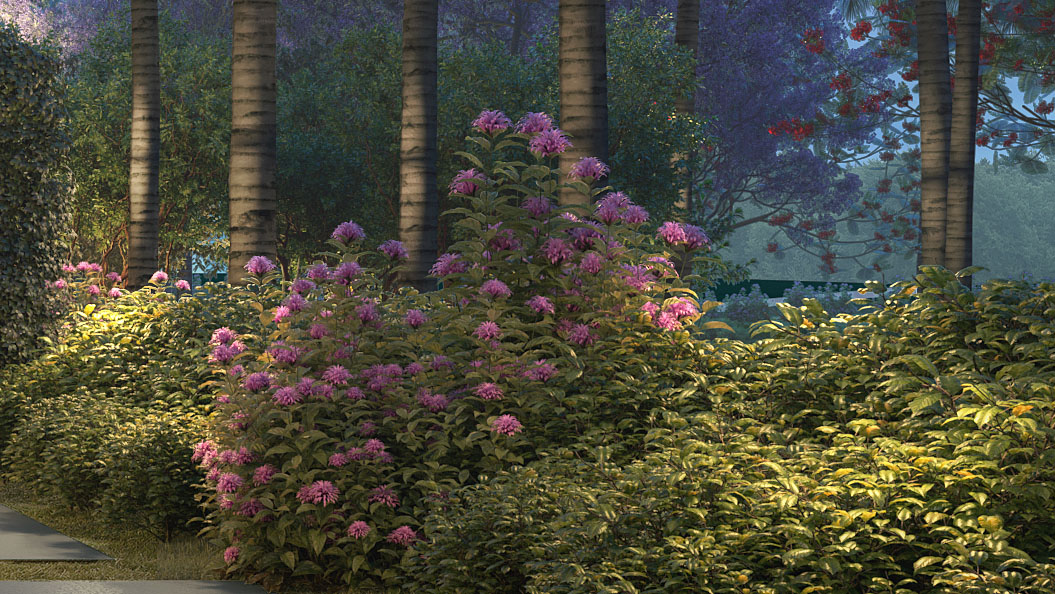



The upscaling technology of our script is the incredible Clarity Upscaler model, created by the developer philz1337x. Our script functions as an interface to facilitate the use of this API within Photoshop.

The script was developed by Victor Reuther For developers and enthusiasts who wish to see the code, we have made it available on GitHub.
FAQ | FREQUENTLY ASKED QUESTIONS
Is it a monthly subscription?
No! The $8 fee is a one-time payment for our optimized script, usage lesson, updates, and support. You will have access to all of this forever.
Besides the $8, will I have other costs?
The script connects to the Replicate platform, which processes the images. The cost is extremely low, in the range of cents per upscale. We teach you step-by-step how to create your account and load credits. You only pay for what you use, giving you total control over your expenses.
Is it difficult to install?
Not at all! It’s extremely simple, and our video tutorial guides you through the entire process in less than 2 minutes.
How much does upscaling a generation cost?
The cost is extremely low, and this is one of the biggest advantages of our system. You only pay for the seconds you use a supercomputer, resulting in values in the range of cents.
Based on our tests, the values are very transparent:
Small detail touch-ups, 2000px: Generally cost around $0.04.
Improvements in large areas, 5000px: Are in the range of $0.16.
Replicate itself (the platform that processes the image) estimates that with just 1(aboutR5), you can do approximately 71 upscales.
The exact cost varies a bit because it’s based on the processing time of the high-end hardware (Nvidia A100 GPU) they use. Factors like the size of the area you selected and the image’s complexity influence the final time, which is usually only a few seconds.